Browse by type
- 2 Player Games Unblocked — Chess, volleyball, carrom and air hockey for two on one keyboard
- Sports Games Unblocked — Basketball, pool, golf, cricket, bowling and penalty kicks
- Action Games Unblocked — Shooters, tower defence, stickman fights and arena battles
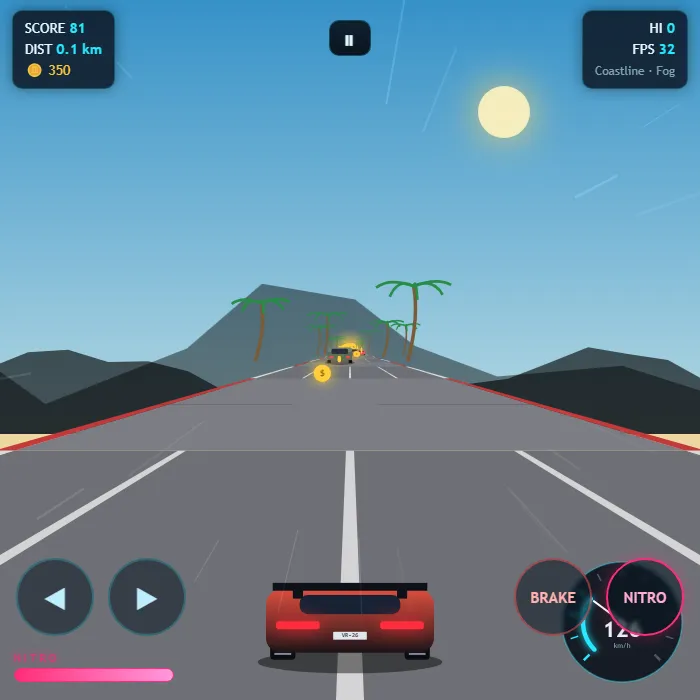
- Car Games Unblocked — Racing, drifting, parking, stunts and demolition derby
Where to start
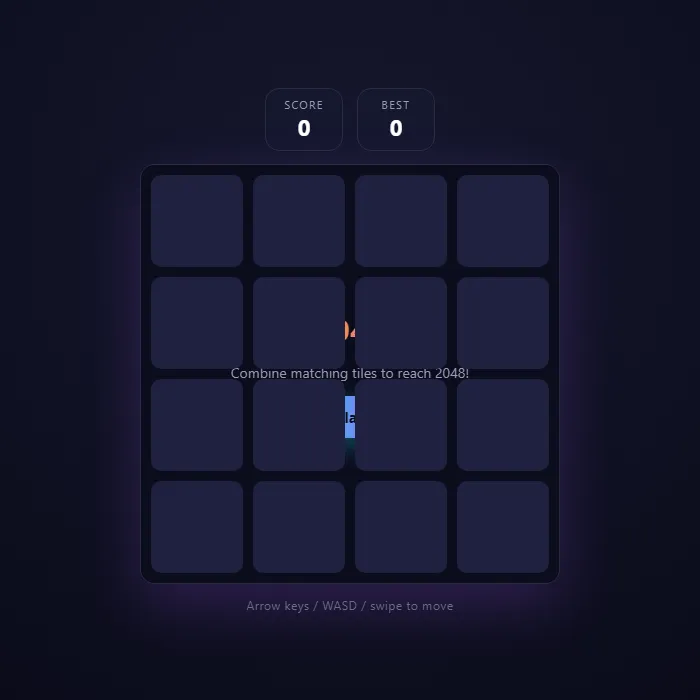
2048
2048 unblocked: four arrow keys, one merge rule, and a page light enough to load on the slowest school connection. It looks like a spreadsheet from across the room, and a run is over in five minutes.
Classic Snake
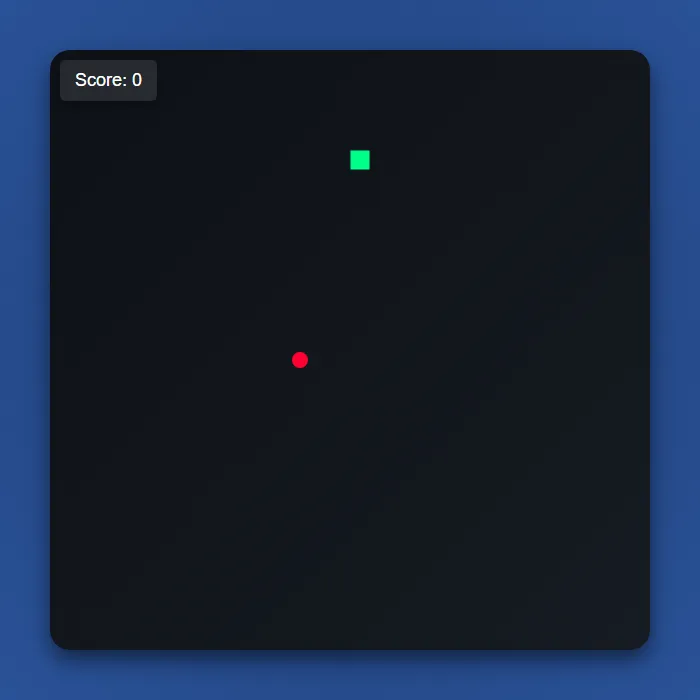
Snake unblocked: the neon grid, the red dots, the tail that ends you. Arrow keys only, no sound needed, and a restart is one key away.
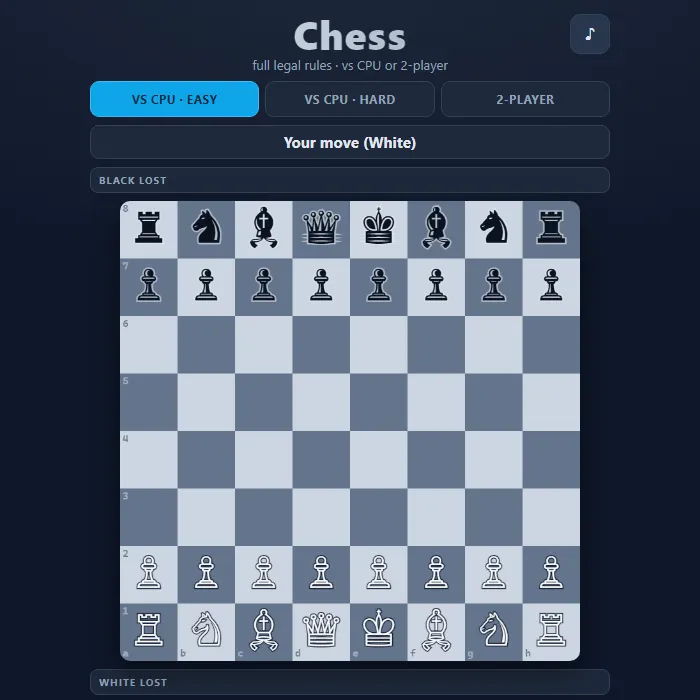
Chess
Chess unblocked: a complete, rules-accurate game against the computer on easy or hard, or two players on one device. Long, quiet games and the most defensible tab on this list.
Minesweeper
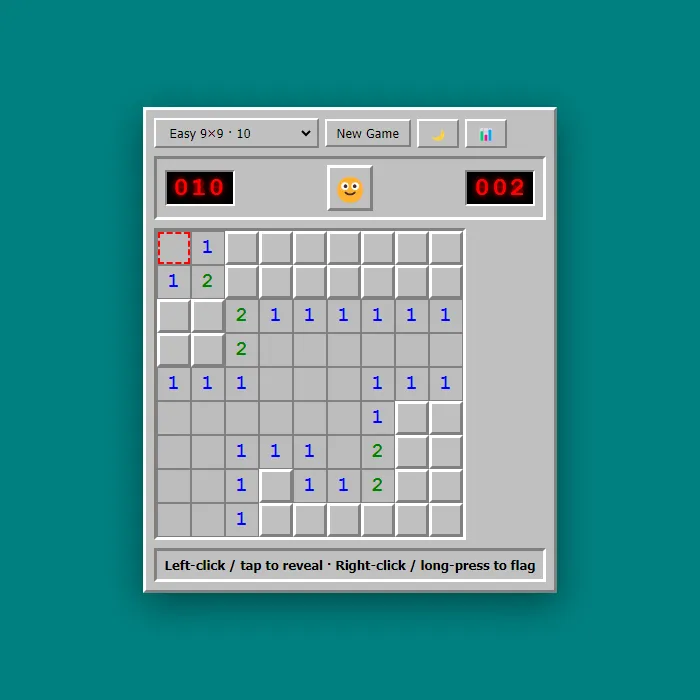
Minesweeper unblocked: every number counts the mines touching that square, and the first click is always safe. Twenty minutes of pure deduction, no reflexes, nothing to install.
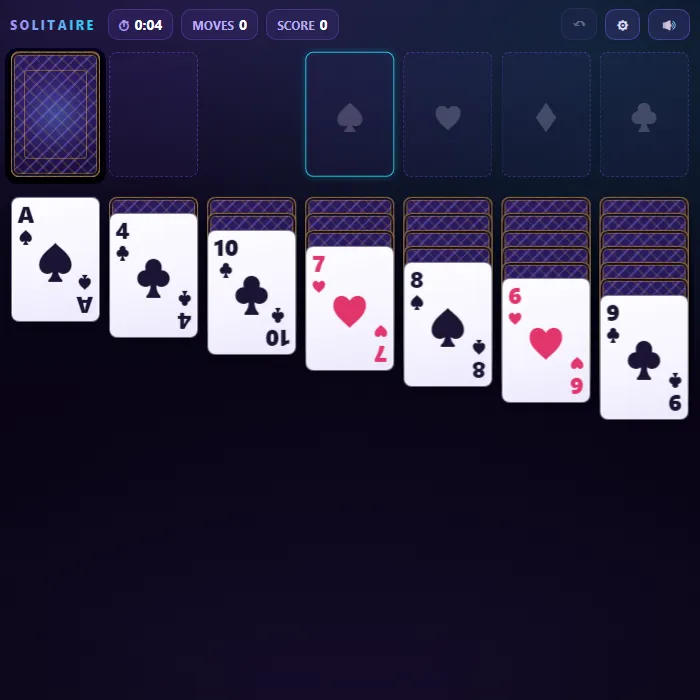
Solitaire Classic
Solitaire unblocked: Klondike the way every old office computer shipped it — draw-one or draw-three, unlimited undo, and an auto-finish when the deal is won. Quiet, long, and closed in a second.
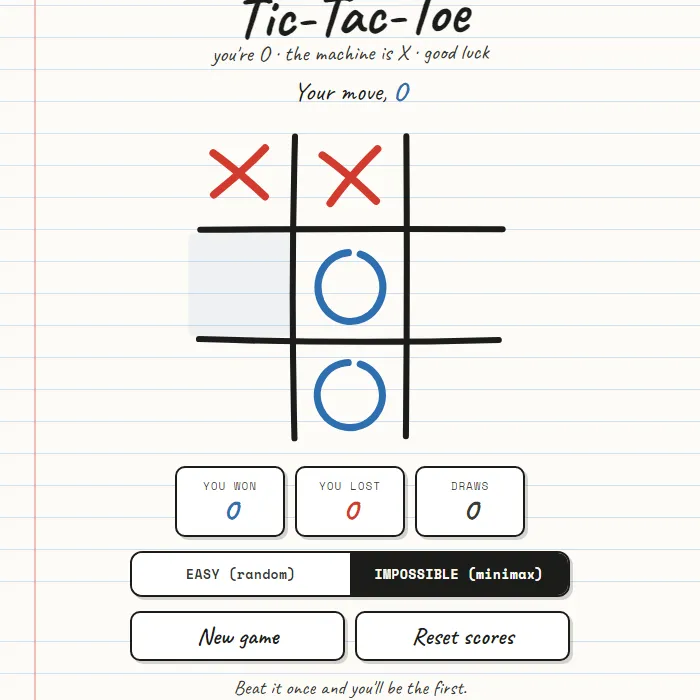
Impossible Tic-Tac-Toe
Tic-Tac-Toe unblocked: noughts and crosses against a perfect AI, or an easy mode you can actually beat. As light as a browser game gets, thirty seconds a round.
Why these games work when others do not
Every game here is built in HTML5, which means it is a web page rather than an application. There is no installer, no plugin and no app store package, so a locked-down school Chromebook has nothing to refuse.
They are also small — most are under a few megabytes — so they load on a shared school connection where a heavier game would simply time out.
Whether a page opens is decided by your network’s content filter, not by the game. Nothing here needs installing either way.
No account, ever
You do not need to sign up, give an email address or create a password. Click a game and it starts. Your best scores are kept in your own browser on your own device, and nothing is uploaded.
Frequently asked questions
Are all these games free?
Yes. Every one of the 323 games is completely free with no payment, no trial and no premium tier.
Do I need to download anything?
No. Every game opens and plays directly in your browser tab. There is nothing to install.
Do these work on a school Chromebook?
Yes. HTML5 games run natively in ChromeOS without any extension or Play Store install.
Can I play on my phone?
Yes. All games support touch controls and work in mobile browsers on Android and iPhone.
Do I need an account?
No. There is no sign-up, no email and no login anywhere on the site.
Can I put these games on my own site?
Yes, and it is free. Every game page has a copy-paste embed code, and there is no attribution requirement. It works on blogs, class pages and LMS platforms.
Keep reading
If you want the longer write-up rather than the grid:
- What are unblocked games? — what they are, why they work on school Chromebooks, and whether they are safe
- 20 games to play when bored in class — the quiet, quick-to-close picks for a school laptop
- The best free games for a Chromebook — what runs well on a school-managed device, and why browser games are the answer
More Unblocked Games
2 Player Games Unblocked · Sports Games Unblocked · Action Games Unblocked · Car Games Unblocked