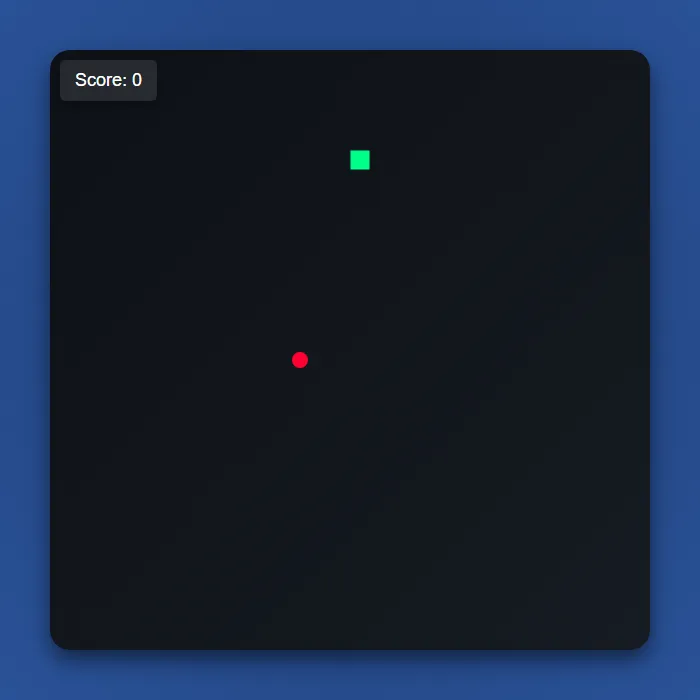
Guide a neon-green snake around a dark grid, gobbling glowing red dots to grow longer while the game quietly speeds up. Clip a wall or your own tail and the run ends — how long can you last?
About Classic Snake
Classic Snake is the arcade game everyone already knows how to play: steer a bright green line around a square grid, eat the glowing red dot in front of you, and watch your tail get one segment longer every time you do. There's no timer and no lives bar, just your own trail slowly turning into the biggest obstacle on the board. Land your head on a wall or double back into yourself and the run is over instantly.
What keeps it sharp is the pacing — every dot you eat shaves a little more time off the movement tick, so a lazy early game turns into a frantic late one where a single wrong tap can end a run you'd been building for minutes. There's nothing else competing for your attention: a plain dark canvas, a live score counter, and a restart button the second you crash. Open-source game by Ramazan Çetinkaya, used under the MIT license.
Where Classic Snake comes from
The snake genre began in arcades with Blockade, released by Gremlin Industries in November 1976 and designed by Lane Hauck and Ago Kiss, in which two players left solid trails behind them and tried to outlast each other; it was cloned within months, and home versions such as Worm (1978) for the TRS-80 and Snake Byte (1982) added the single-player twist of eating food to grow longer. The form most people remember is the Snake that Taneli Armanto wrote for the Nokia 6110, announced in December 1997, which Nokia says has shipped in some form on 350 million phones. Classic Snake is an open-source browser take on the concept, not Nokia's game. Source.
Inside Classic Snake: what we checked
The numbers below come from Classic Snake's own source code, and the screenshots are from our own test run of the game (20 October 2026).
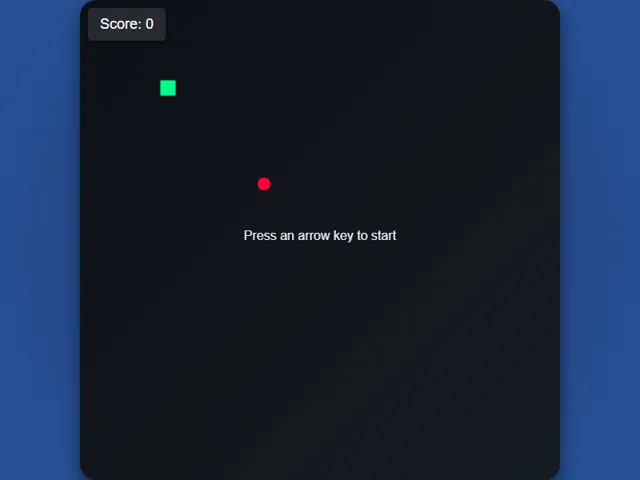
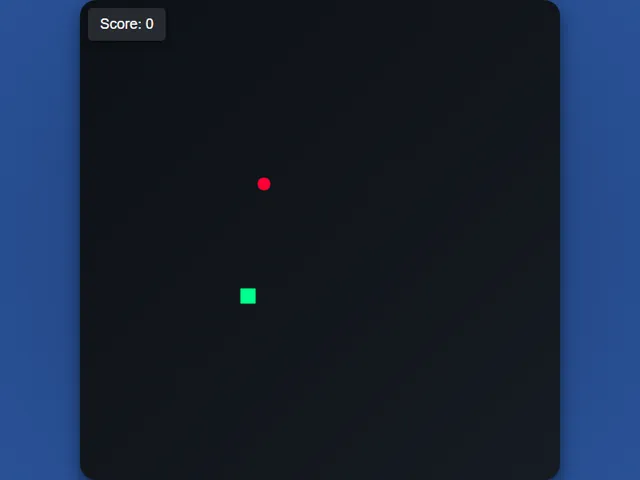
- The board is a 30 × 30 grid with solid walls. Touching an edge ends the game, so there is no wrapping around.
- Each apple is worth 10 points and adds one square to the tail. The apple never appears on top of the snake.
- The snake starts at 150 milliseconds per step. Every apple makes the steps 5 milliseconds quicker, and the speed stops improving at 50 milliseconds, which you reach after eating 20 apples (200 points).
- The snake waits for your first arrow press before it moves, and that first press can point in any direction. After that you cannot reverse straight into your own body.
- Nothing is saved: there is no high score, and Restart simply starts a fresh game from 0.
Unblocked Games Unblocked Chromebook No Download Mobile For Kids Classic
How to play Classic Snake
Press any arrow key to start moving; the snake travels continuously in that direction until you press another. Steer it onto each red dot to eat and grow by one segment, and watch the game speed up a notch every time you do. Avoid running into the four walls or into your own tail, both end the run immediately. Hit Restart on the game-over screen to jump straight back in.
Controls
Arrow keys steer the snake; there are no touch controls, so this one is best on desktop.
Tips & tricks
- Think two moves ahead, not one — plotting only your next turn is how you trap yourself against your own tail in the mid-game.
- Take the long way around when the board's still open. Cutting corners costs nothing at slow speed but gets you killed once the tick rate climbs.
- Hug the edges deliberately while your snake is short; it keeps the center free for later when a long tail needs the room to coil.
- Once the game speeds up, commit to a direction early — hesitating mid-tile at high speed is the single most common way to run into a wall.
Frequently asked questions
Does Classic Snake save my progress?
No. Classic Snake does not save anything between visits — every session starts fresh, and nothing is stored on your device or uploaded anywhere.
Is Classic Snake unblocked at school or work?
Classic Snake is a plain web page of about 44303 KB — no plugin, no installer, no app store — so it loads on a Chromebook or a locked-down school or office laptop the same way any other page does, and the whole game arrives in one short download. Whether it opens comes down to your network's filter rather than the game itself.
Who made Classic Snake?
Classic Snake is a free browser edition of a well-known classic, rebuilt with modern web technology so it runs anywhere.
Embed Classic Snake
From our blog
Classic Snake features in The Best Free Games for a Chromebook (No Download, No Install) and Snake Games Online — From Classic Grid to Neon Arena.