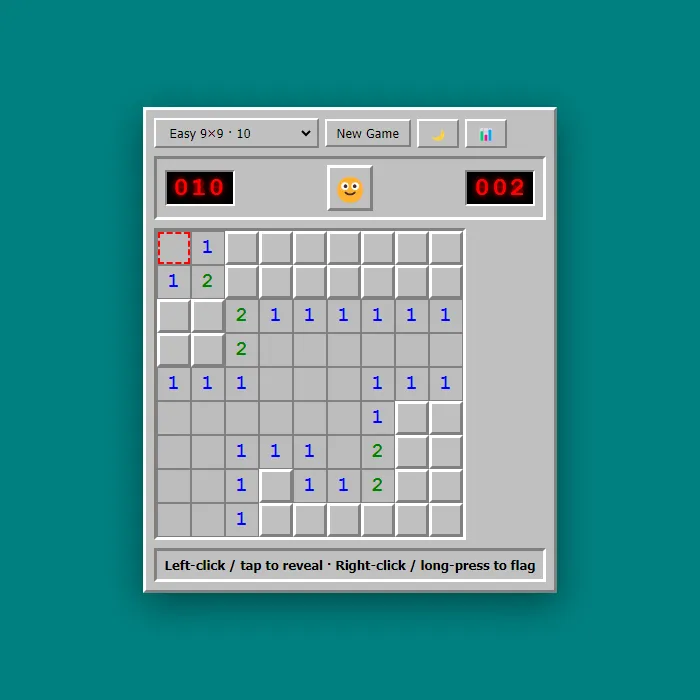
A logic classic that never gets old. Clear the whole grid without setting off a single hidden mine, and the numbers are all you've got to go on.
About Minesweeper
Minesweeper is a game of nerve and deduction dressed up as a grid of grey squares. You click one open, then another, watching for the numbers that turn everything into a puzzle: a 1 means exactly one mine hides among the touching squares, a 3 means three, and from those little clues you reason your way across the whole board. There's no luck in the middle of a good game, only logic you haven't worked out yet.
The satisfying part is the chain reaction. Crack one corner open and a wide safe area cascades outward, and suddenly you can see the shape of the trouble ahead. Then comes the tense bit: two squares, one number, and a fifty-fifty you'd rather not gamble on. You plant a flag on the mine you're sure of, and the board reads a little cleaner. One misclick, though, and the whole thing detonates.
It's for anyone who likes thinking under a bit of pressure, whether that's a two-minute break or a stubborn grudge match against a single stubborn square.
Where Minesweeper comes from
The Minesweeper most people know was written by Curt Johnson, originally for IBM's OS/2, and ported to Windows by Robert Donner; it shipped in the Microsoft Entertainment Pack in 1990 and was bundled with every Windows from 3.1 in 1992 to Windows 7. Johnson has said the design was borrowed from an earlier game, and Ian Andrew's Mined-Out for the ZX Spectrum (1983) is the best-known predecessor. In 2000 Richard Kaye proved that deciding whether a Minesweeper board is consistent is NP-complete; this version is 360 PlayZone's own take on the classic. Source.
Inside Minesweeper: what we checked
The numbers below come from Minesweeper's own source code, and the screenshots are from our own test run of the game (20 October 2026).
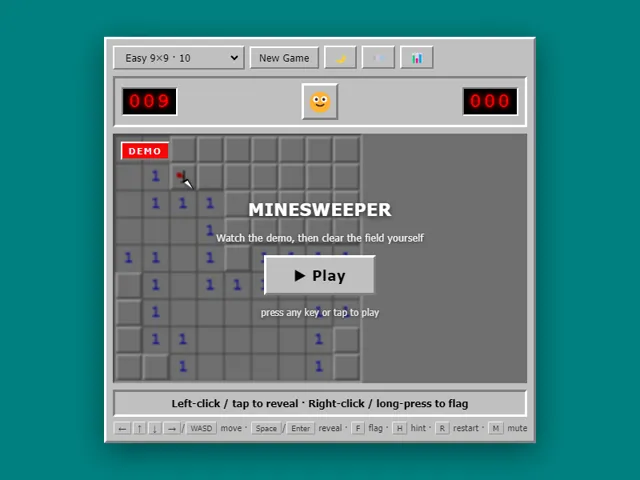
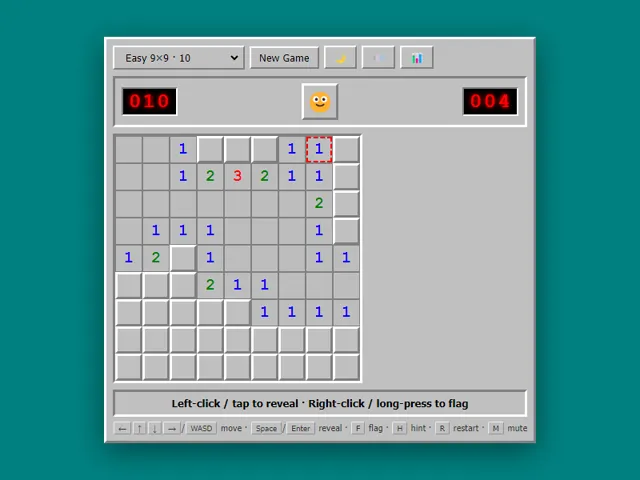
- There are three boards: Easy is 9 × 9 with 10 mines, Medium is 16 × 16 with 40, and Hard is 16 × 30 with 99.
- Mines are not placed until your first click, and the clicked square and the 8 around it are kept mine-free, so the first click always opens up some space.
- Clicking a revealed number chords: if you have flagged exactly that many of its neighbours, it opens all the others at once. Double-click, middle-click and Enter do the same. A wrong flag means the chord opens a mine.
- The Hint key (H) opens one square that is guaranteed to be safe. It is free, and a win after using hints still counts for your best time.
- The mine counter is the number of mines minus the flags you have placed, and the timer stops counting at 999 seconds. Winning flags every remaining mine for you.
- Your games, wins and losses are kept in this browser, along with your best winning time for each of the three boards.
Unblocked Games Unblocked Chromebook No Download Mobile For Kids Brain Games
How to play Minesweeper
Click to reveal a square at a time. The number on a square tells you how many mines are touching it, and that's the thread you pull to work out which neighbours are safe and which will blow up in your face. Flag the ones you're certain about. Clear every safe square and you've won. Click wrong once, though, and it's over.
Controls
Left-click to reveal a square, right-click to plant or remove a flag.
Tips & tricks
- Start in the open middle to reveal a big safe area.
- A number touching exactly that many hidden squares means they're all mines.
- Flag the mines you're certain of to keep the board readable.
Frequently asked questions
Does Minesweeper save my progress?
Partly. Minesweeper keeps a running win/loss tally and your settings in this browser's local storage; there is no level progress to save. Nothing is uploaded and no account is involved — clearing your browser data is what resets it.
Is Minesweeper unblocked at school or work?
Minesweeper is a plain web page of about 47 KB — no plugin, no installer, no app store — so it loads on a Chromebook or a locked-down school or office laptop the same way any other page does, and the whole game arrives in one short download. Whether it opens comes down to your network's filter rather than the game itself.
Who made Minesweeper?
Minesweeper was built in-house by the 360 PlayZone team using open web technology (HTML5), which is why it runs instantly without any download.
Embed Minesweeper
From our blog
Minesweeper features in Minesweeper Online: Rules, Number Patterns and How to Stop Losing to Luck and 20 Games to Play When Bored in Class (Free, No Download).