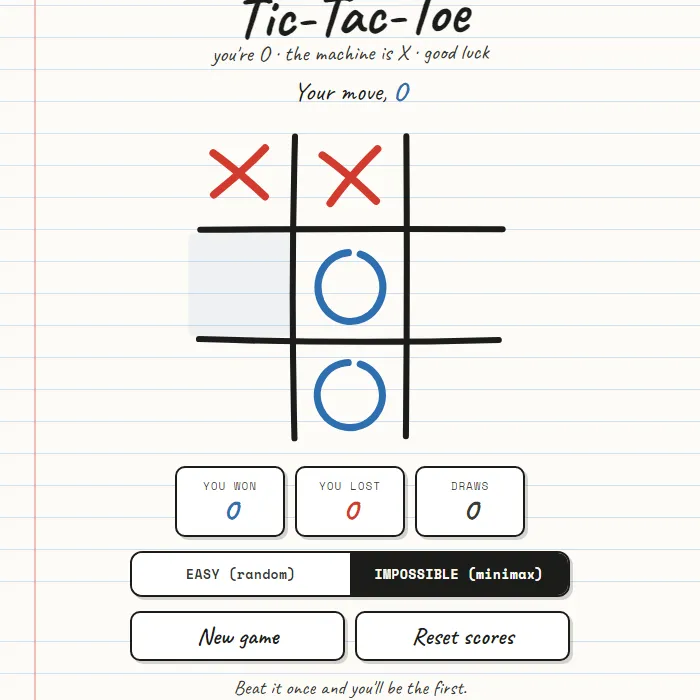
Noughts and crosses, but with a perfect, unbeatable AI — or a laid-back random-move easy mode. You're O against the machine's X, all on a charming hand-drawn notebook board.
About Impossible Tic-Tac-Toe
Impossible Tic-Tac-Toe takes the game everyone learned as a kid and hands it a brain that never slips. Set it to Impossible and the computer runs a full minimax search, which is a fancy way of saying it has already weighed every possible line of play before it moves. The very best you can manage is a draw. One careless slip and it pounces. That's the whole hook — can you play flawlessly enough to never lose? Want to just mess around instead? Easy mode lets X play random moves, so the wins come easy. The whole thing wears a warm, hand-drawn look: wobbly ink grid lines, sketchy O's and X's that scribble themselves in, a notebook-paper backdrop, and a running tally of your wins, losses and draws that sticks around between visits. Quick, clever, quietly humbling.
Where Impossible Tic-Tac-Toe comes from
Three-in-a-row games are ancient: boards scratched into Egyptian roofing tiles date from around 1300 BC, and the Romans played terni lapilli, whose grids can still be found chalked across Rome. The name 'noughts and crosses' first appeared in print in 1858, and in 1952 Sandy Douglas's OXO on Cambridge's EDSAC, one of the first computer games, already played it perfectly, which is possible because with best play from both sides the game always ends in a draw. This 'impossible' version is 360 PlayZone's own take on the classic. Source.
Inside Impossible Tic-Tac-Toe: what we checked
The numbers below come from Impossible Tic-Tac-Toe's own source code, and the screenshots are from our own test run of the game (20 October 2026).
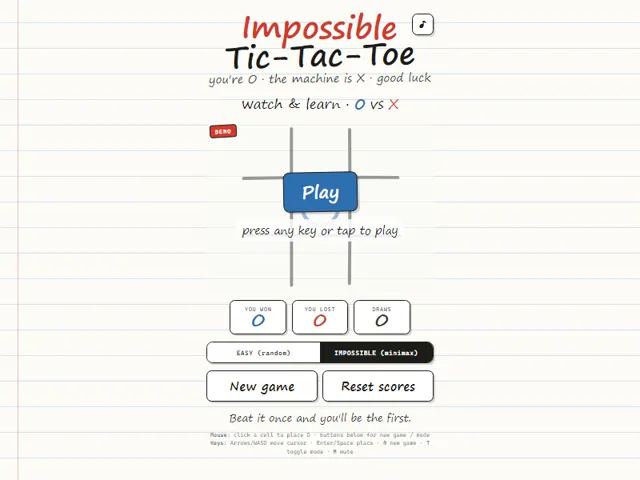
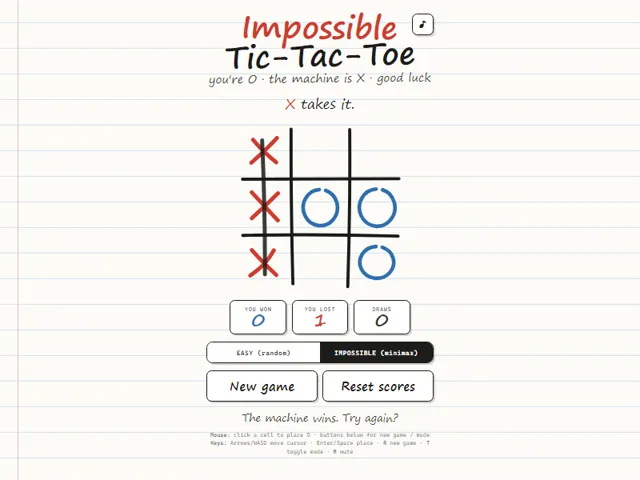
- You are always O and always play first; the machine is X. In Impossible mode it checks every possible continuation of the game, so it never makes a mistake and the best result you can get is a draw.
- It scores a win as 10 minus the number of moves taken, so it prefers a quick win over a slow one. If several squares score the same, it picks the first of them in reading order, top-left to bottom-right.
- Easy mode swaps that for a random empty square on every X move, so it can be beaten, but it can also win if you ignore a threat.
- The scoreboard counts You won, You lost and Draws separately, and the totals are saved in this browser until you press Reset scores.
- Controls: click a square, or use the arrow keys or WASD to move the cursor and Enter or Space to place your O. R starts a new game, T switches between Easy and Impossible, and M mutes.
Unblocked Games Unblocked Chromebook No Download Mobile For Kids Brain Games
How to play Impossible Tic-Tac-Toe
You're O, the machine's X, and you move first. Click or tap any empty cell to drop your O, and the computer fires back instantly. Three in a row, column or diagonal wins it. On Impossible the AI plays perfectly, so play for the draw — then punish every opening you get in Easy mode. Switch difficulty whenever, start a New game, or Reset scores.
Controls
Click or tap an empty square to place your mark. Use the EASY / IMPOSSIBLE toggle to set difficulty, New game to restart, and Reset scores to clear the tally.
Tips & tricks
- Against the perfect AI, take a corner or the centre first — and expect to draw.
- Always block the machine's two-in-a-row; it never misses yours.
- Watch for 'forks' — moves that threaten two lines at once.
- Switch to Easy mode if you just want a relaxed win streak.
Frequently asked questions
Does Impossible Tic-Tac-Toe save my progress?
Partly. Impossible Tic-Tac-Toe keeps a running win/loss tally and your settings in this browser's local storage; there is no level progress to save. Nothing is uploaded and no account is involved — clearing your browser data is what resets it.
Is Impossible Tic-Tac-Toe unblocked at school or work?
Impossible Tic-Tac-Toe is a plain web page of about 25 KB — no plugin, no installer, no app store — so it loads on a Chromebook or a locked-down school or office laptop the same way any other page does, and the whole game arrives in one short download. Whether it opens comes down to your network's filter rather than the game itself.
Who made Impossible Tic-Tac-Toe?
Impossible Tic-Tac-Toe was built in-house by the 360 PlayZone team using open web technology (HTML5), which is why it runs instantly without any download.