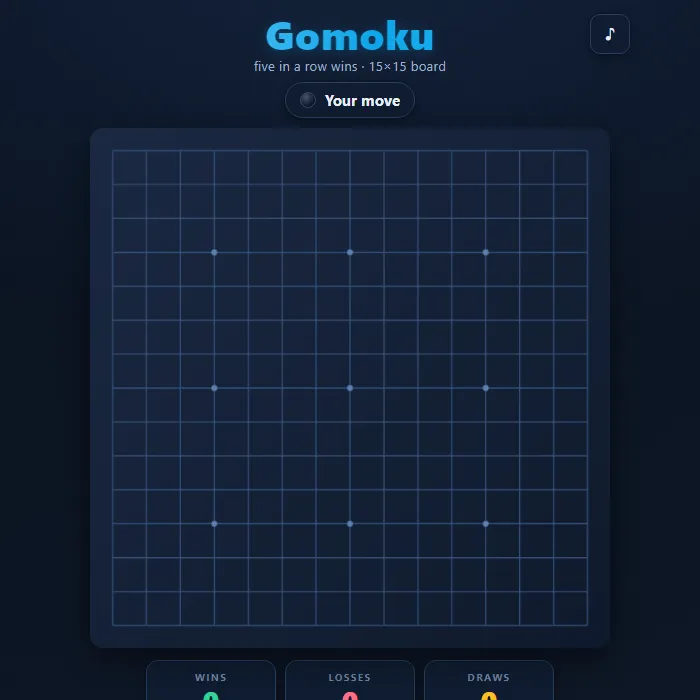
Classic Gomoku (Five in a Row) on a clean 15x15 board. Place stones, build a line of five, and outmaneuver a sharp threat-hunting CPU or a friend in local 2-player.
About Gomoku
Gomoku, also called Five in a Row, is an ancient pure-strategy board game with rules simple enough to learn in seconds and depth that rewards a lifetime of play. Two players take turns placing stones on the intersections of a 15x15 grid; the first to line up five of their own stones in a row, column, or diagonal wins. There is no capturing and no luck, just position, foresight, and the constant tension between building your own threats and shutting down your opponent's. This original build draws a warm, glossy stone-board on canvas with traditional star points, highlights the last move and the winning five, and detects a full-board draw. Play solo against a CPU with two distinct personalities, or pass-and-play head to head with a friend on the same device. Your record against the computer is saved automatically.
Where Gomoku comes from
Gomoku takes its name from the Japanese gomokunarabe, 'five pieces in a row', and has been played in Japan since at least the Edo period, with the earliest surviving book of openings dating from 1856; folk tradition traces the idea further back to China, where the game is called wuziqi. In 1994 Victor Allis proved that the first player can force a win on an unrestricted 15x15 board, which is why the competitive form, Renju, adds restrictions on Black. This version is 360 PlayZone's own take on the classic. Source.
Inside Gomoku: what we checked
The numbers below come from Gomoku's own source code, and the screenshots are from our own test run of the game (20 October 2026).
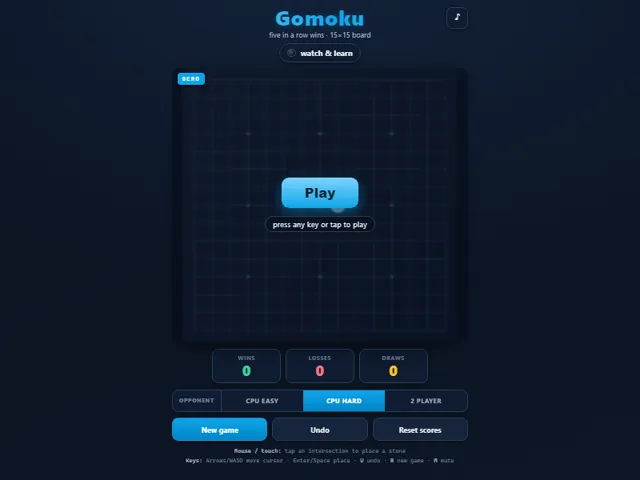
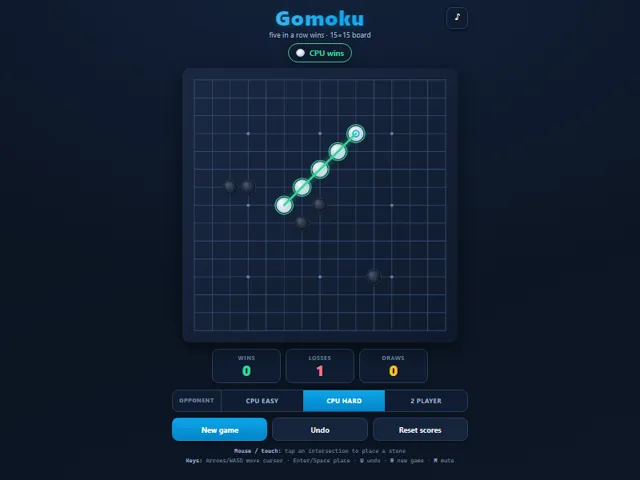
- The board is 15 × 15 and five in a row wins, in any of the four directions. Six or more in a row also counts as a win, since there are no overline restrictions.
- You play black and move first against the computer; it plays white. There is no opening restriction for black in this version.
- CPU Easy mostly picks the move with the best attack-and-defence score but adds some randomness, so it can miss a threat. CPU Hard always takes a winning move, blocks your immediate five, and otherwise searches a couple of moves ahead within a time limit of about a quarter of a second.
- Undo against the computer takes back your move and its reply as a pair, and it still works after a game has ended. In 2 Player it takes back one move at a time.
- Keys: arrows or WASD move a cursor on the board, Enter or Space places a stone, U undoes, R starts a new game and M mutes.
- Wins, losses and draws against the computer are kept in this browser, along with your opponent choice. 2 Player games are not counted.
Unblocked Chromebook No Download Mobile Multiplayer
How to play Gomoku
Choose your opponent: CPU Easy, CPU Hard, or 2 Player. On your turn, tap or click any empty intersection to drop a stone there (you play Black and always move first against the CPU). Players alternate placing stones. The goal is to be the first to form an unbroken line of exactly five of your stones horizontally, vertically, or diagonally. The CPU Easy opponent grabs obvious wins and blocks, while CPU Hard performs threat-based pattern search and a time-capped lookahead, punishing open threes and double-threats. If the entire board fills with no five-in-a-row, the game is a draw. Use New game to restart, Undo to take back a move, and Reset scores to clear your record.
Controls
Mouse / touch: tap or click an intersection to place your stone. Keyboard: Arrow keys or WASD move the on-screen cursor, Enter or Space places a stone. U undoes the last move, R starts a new game, and M toggles mute. The mute button in the top-right corner also works. Any key, tap, or the Play button dismisses the demo and starts a fresh real game.
Tips & tricks
- Watch both ends of your lines: a three open on both sides (an open three) is a powerful threat because it forces your opponent to defend or lose.
- Defense first against CPU Hard. If it ever builds an open three or a four, block it immediately or you will be racing a lost game.
- The strongest attacks create two threats at once (a double-three or four-three). Your opponent can only block one, so the other wins.
- Stay central early. Stones near the middle reach in more directions, while edge plays cut off your own potential lines.
Frequently asked questions
Does Gomoku save my progress?
Partly. Gomoku keeps a running win/loss tally and your settings in this browser's local storage; there is no level progress to save. Nothing is uploaded and no account is involved — clearing your browser data is what resets it.
Is Gomoku unblocked at school or work?
Gomoku is a plain web page of about 33 KB — no plugin, no installer, no app store — so it loads on a Chromebook or a locked-down school or office laptop the same way any other page does, and the whole game arrives in one short download. Whether it opens comes down to your network's filter rather than the game itself.
Who made Gomoku?
Gomoku was built in-house by the 360 PlayZone team using open web technology (HTML5), which is why it runs instantly without any download.