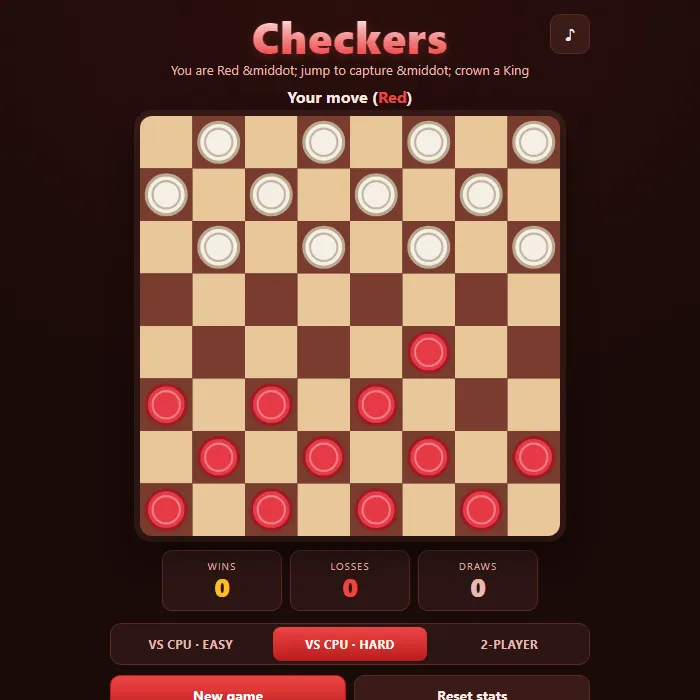
Classic 8x8 checkers with mandatory captures, multi-jump chains, and kings, against a minimax CPU or a friend on the same screen.
About Checkers
Checkers is a timeless diagonal-strategy game played on the dark squares of an 8x8 board, twelve pieces a side. Slide forward to maneuver, jump your opponent to capture, and chain multiple jumps in a single turn when the board lines up. Push a man to the far row and it is crowned a King that can glide and capture in every direction. Play against a CPU that ranges from a casual Easy opponent to a Hard alpha-beta minimax that weighs material, kings, and board position, or pass the device for a relaxed two-player match.
Where Checkers comes from
Checkers, or English draughts, descends from Alquerque, a Moorish game recorded in Spain's Libro de los Juegos of 1283, which was moved onto the chessboard in France, where it was already being played around 1100, and gained its crowned 'dame' by the 13th century. France also introduced compulsory capture, and William Payne's 1756 book, with a foreword by Samuel Johnson, was the first in English. In 2007 Jonathan Schaeffer's team at the University of Alberta weakly solved the 8x8 game with their program Chinook, proving that perfect play by both sides ends in a draw; this version is 360 PlayZone's own take on the classic. Source.
Inside Checkers: what we checked
The numbers below come from Checkers's own source code, and the screenshots are from our own test run of the game (20 October 2026).
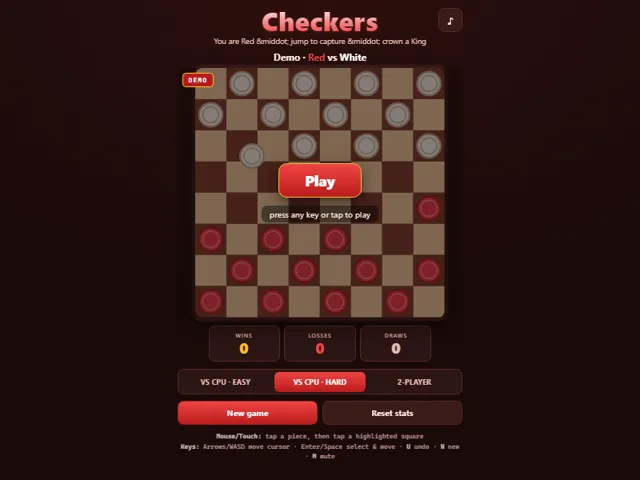
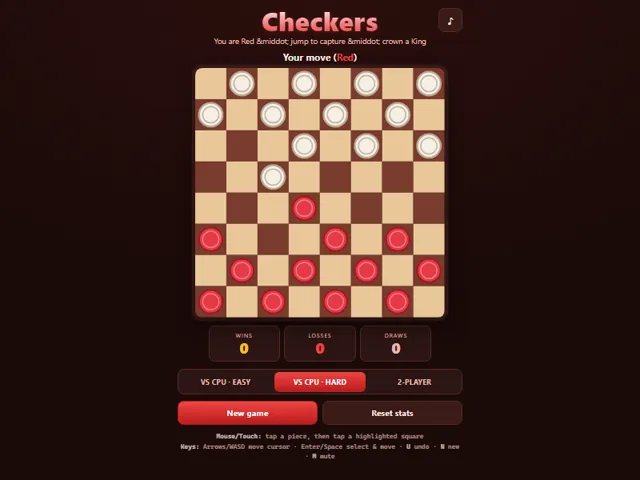
- You play Red and always move first against the computer; White is the computer. Regular pieces move and capture forwards only, and only a king can go backwards.
- Captures are compulsory. If any jump is available, you may only make a jump; you cannot choose a quiet move instead. Multi-jump chains are played to the end, and a piece that is crowned mid-chain stops there.
- Kings move one square diagonally, in any direction. There is no flying king, which is how the long-range kings of some rule sets behave.
- CPU Easy picks the move that captures the most pieces about 55% of the time and otherwise plays a random legal move. CPU Hard searches up to seven moves ahead but is limited to about 0.4 seconds per move, so it may look less far on a busy board.
- There is no draw rule, so a game only ends when one side cannot move.
- Undo (U) takes back your last move and the computer's reply together. Your wins and losses against the computer, and the mode you chose, are saved in this browser.
Unblocked Chromebook No Download Mobile Multiplayer
How to play Checkers
Pieces move one square diagonally forward onto an empty dark square. To capture, jump over an adjacent enemy piece into the empty square beyond it; if a capture is available anywhere you must take it, and you keep jumping when the same piece can continue. Reach the opposite back row to earn a King that moves and captures both forward and backward. Win by capturing all enemy pieces or leaving your opponent with no legal move.
Controls
Mouse/Touch: tap one of your pieces to select it (its legal squares glow green, captures glow red), then tap a highlighted square to move. Keyboard: Arrow keys or WASD move the cursor, Enter/Space selects a piece then commits a move, U undoes, N starts a new game, M toggles mute, Esc deselects.
Tips & tricks
- Captures are mandatory, so always scan for jumps before planning a quiet move; the rules will force you to take one anyway.
- Hold your back row as long as you can to deny the opponent easy promotions while you race a man toward a King.
- Look for chains: a single well-placed jump can sometimes capture two or three pieces in one turn if the landing squares stay open.
- Trade pieces when you are ahead in material and avoid trades when you are behind to keep your comeback chances alive.
Frequently asked questions
Does Checkers save my progress?
Partly. Checkers keeps a running win/loss tally and your settings in this browser's local storage; there is no level progress to save. Nothing is uploaded and no account is involved — clearing your browser data is what resets it.
Is Checkers unblocked at school or work?
Checkers is a plain web page of about 37 KB — no plugin, no installer, no app store — so it loads on a Chromebook or a locked-down school or office laptop the same way any other page does, and the whole game arrives in one short download. Whether it opens comes down to your network's filter rather than the game itself.
Who made Checkers?
Checkers was built in-house by the 360 PlayZone team using open web technology (HTML5), which is why it runs instantly without any download.
Embed Checkers
From our blog
Checkers features in Checkers Online: Rules, Why Forced Jumps Decide Everything and How to Beat the Hard CPU and Mancala Online: Kalah Rules, the Extra-Turn Opening and How to Set Up Captures.