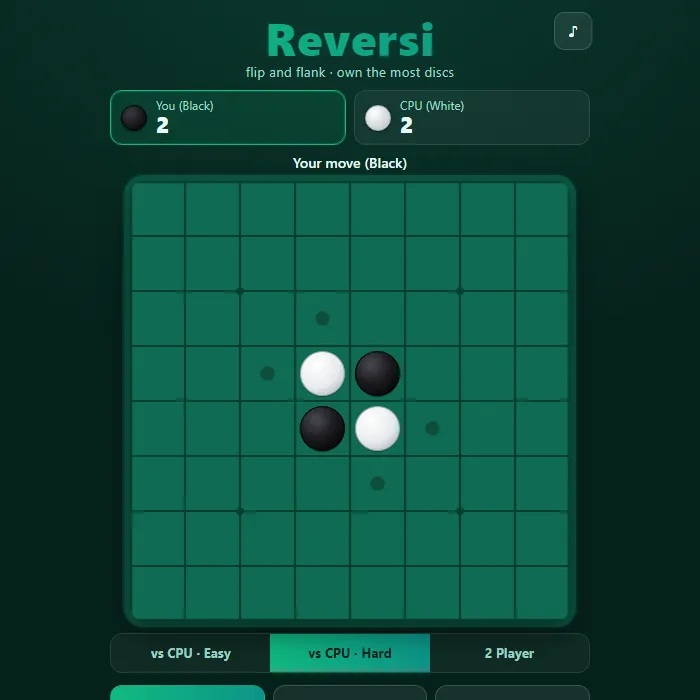
Classic Reversi on an 8x8 board — flank your opponent's discs to flip them, against a tough CPU or a friend.
About Reversi
Reversi is a timeless strategy duel of flips and flanks played on an eight-by-eight board. Drop a disc so it traps a line of your opponent's pieces between two of your own, and every disc in that line switches to your color. Simple to grasp yet endlessly deep, the lead can swing wildly until the final move, so the player ahead at midgame is rarely the one who wins. Play locally against a friend in 2-Player mode, or test yourself against a CPU that ranges from a casual Easy opponent to a corner-hungry Hard engine driven by alpha-beta search.
Where Reversi comes from
Reversi appeared in England in 1883, where Lewis Waterman and John W. Mollett each claimed to have invented it and denounced the other as a fraud; the first reliable mention is in The Saturday Review of August 1886. The rule set played in tournaments today is Othello, patented in Japan by the salesman Goro Hasegawa in 1971 and launched by Tsukuda Original in 1973, which fixes the four opening discs in the centre; the Othello name is a trademark, now held by MegaHouse. In 1997 Michael Buro's program Logistello beat world champion Takeshi Murakami six games to none; this version is 360 PlayZone's own take on the classic. Source.
Inside Reversi: what we checked
The numbers below come from Reversi's own source code, and the screenshots are from our own test run of the game (20 October 2026).
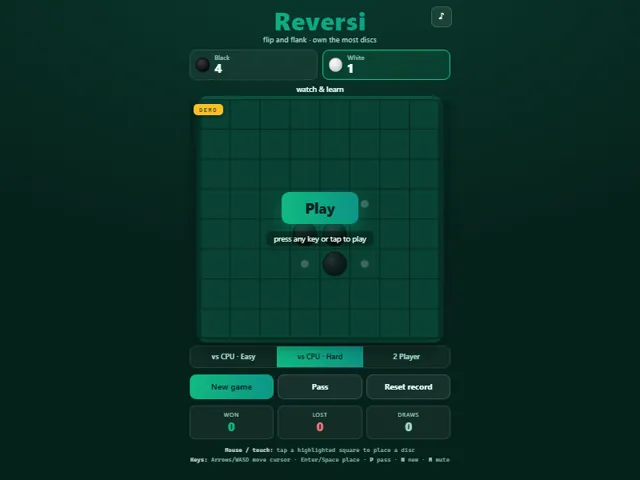
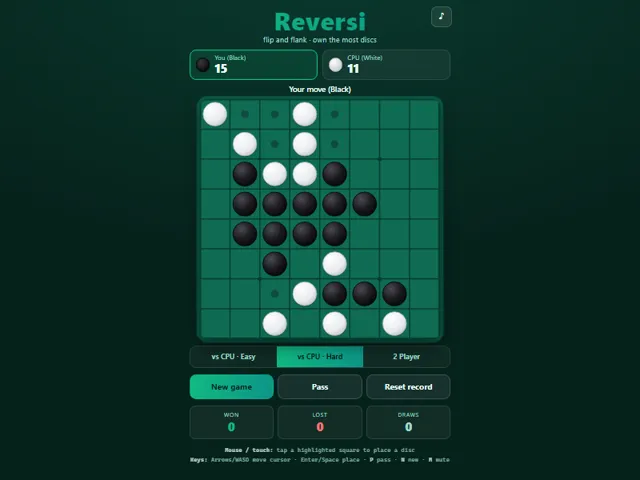
- In the CPU modes you always play Black and move first. Hard is the default mode.
- Easy picks the move that flips the most discs, adds a big bonus for corner squares and a little randomness, so it grabs corners but never plans ahead.
- Hard searches several moves ahead (about five, and up to eight once only ten squares are left) and is capped at roughly 0.85 seconds per move. It scores positions by square values, with corners worth the most and the squares next to corners rated worst, plus how many moves each side has, and in the endgame the disc count.
- You cannot pass when you have a legal move; the game tells you that you must play. If you truly have no move, you pass, and the CPU passes automatically when it is stuck.
- Your wins, losses and draws against the CPU are kept in this browser, and the Reset record button clears them. 2-player games are not added to your wins or losses.
- Arrows or WASD move the cursor, Enter or Space places a disc, P passes, N starts a new game and M mutes.
Unblocked Chromebook No Download Mobile Multiplayer
How to play Reversi
On your turn, place a disc on any highlighted square so that it brackets one or more of your opponent's discs in a straight line (horizontal, vertical, or diagonal) — those bracketed discs flip to your color. You may only play where at least one flip happens; if you have no legal move you pass, and when neither side can move the game ends. Whoever owns the most discs on the full board wins.
Controls
Mouse/touch: tap any highlighted square to drop a disc. Keyboard: Arrow keys or WASD move the cursor, Enter/Space places a disc, P passes (only when you have no move), N starts a new game, T cycles the mode, and M toggles mute.
Tips & tricks
- Corners can never be flipped, so grab them whenever you can — they anchor stable discs that lock in adjacent rows.
- Beware the squares diagonally next to an empty corner (the X-squares); playing there often hands your opponent the corner.
- Flipping the most discs early is usually a trap — fewer pieces and more move options (mobility) is the stronger midgame position.
- Try to limit your opponent's legal moves; forcing them to play a bad square is often better than a big flip.
Frequently asked questions
Does Reversi save my progress?
Partly. Reversi keeps a running win/loss tally and your settings in this browser's local storage; there is no level progress to save. Nothing is uploaded and no account is involved — clearing your browser data is what resets it.
Is Reversi unblocked at school or work?
Reversi is a plain web page of about 33 KB — no plugin, no installer, no app store — so it loads on a Chromebook or a locked-down school or office laptop the same way any other page does, and the whole game arrives in one short download. Whether it opens comes down to your network's filter rather than the game itself.
Who made Reversi?
Reversi was built in-house by the 360 PlayZone team using open web technology (HTML5), which is why it runs instantly without any download.
Embed Reversi
From our blog
Reversi features in Checkers Online: Rules, Why Forced Jumps Decide Everything and How to Beat the Hard CPU and Classic Board Games Online — Checkers, Reversi, Gomoku and Chess, Free With No Login.