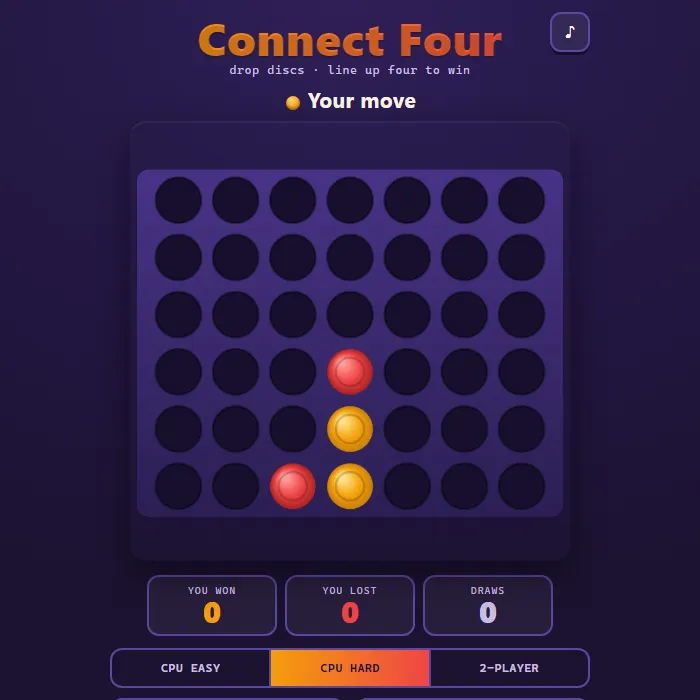
Drop discs into a 7x6 grid and race to line up four in a row against a sharp CPU or a friend.
About Connect Four
Connect Four is the classic vertical strategy duel reimagined with a glowing arcade board and chunky, gravity-dropped discs. Take turns dropping pieces into seven columns and be the first to align four of your color horizontally, vertically, or diagonally. Play a friend in local 2-Player, warm up against the forgiving Easy computer, or test yourself against Hard, which runs an alpha-beta minimax search with threat detection to punish loose play. Every win lights up the connecting four and your record against the machine is kept between sessions.
Where Connect Four comes from
Connect Four was designed by Howard Wexler with Ned Strongin and first sold under that name by Milton Bradley in February 1974; the trademark now belongs to Hasbro. The seven-column, six-row game was solved in October 1988 by James Dow Allen and, independently, Victor Allis: with perfect play the first player can always force a win by starting in the centre column. This version is 360 PlayZone's own browser take on the four-in-a-row concept and is not the licensed product. Source.
Inside Connect Four: what we checked
The numbers below come from Connect Four's own source code, and the screenshots are from our own test run of the game (20 October 2026).
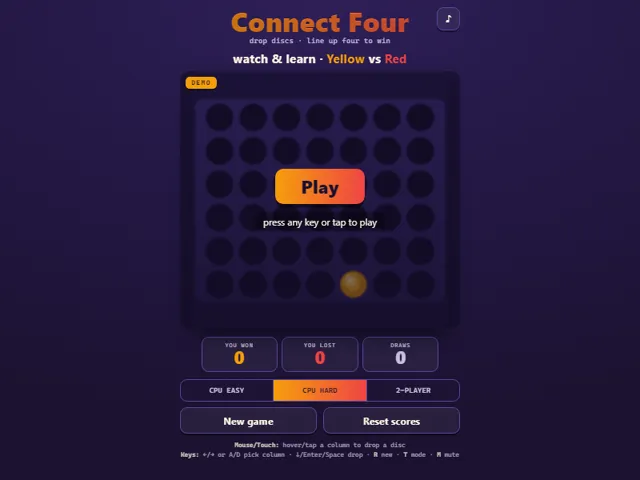
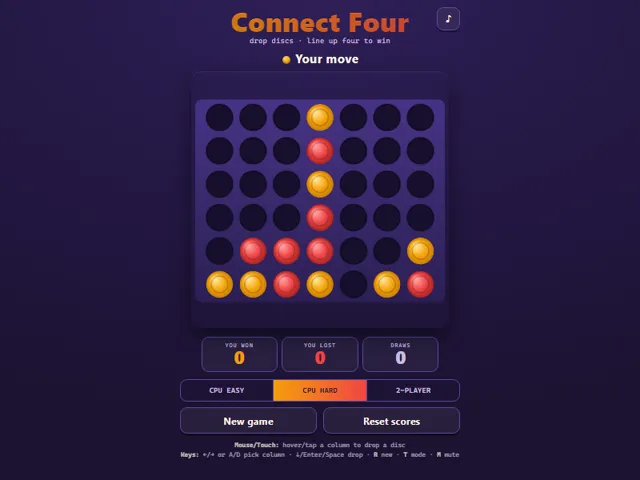
- The board is 7 columns by 6 rows. You play yellow and always drop first, against the computer or a friend in 2-Player.
- CPU Easy takes a win whenever it sees one and blocks your winning move about 85% of the time. Otherwise it avoids moves that would hand you an immediate win, and picks a column at random with a lean towards the middle.
- CPU Hard always takes a win or blocks yours when it sees one. Otherwise it searches up to 8 moves ahead, but is capped at about a fifth of a second per move, so it may look less far on a slow device.
- Hard scores boards by counting open windows of four and gives a bonus to discs in the centre column, so it tends to build there.
- Arrow keys or A and D move the column cursor, and Down, S, Enter or Space drops the disc. R starts a new game and T cycles Easy, Hard and 2-Player.
- Your wins, losses and draws, and the mode you chose, are kept in this browser.
Unblocked Chromebook No Download Mobile Multiplayer
How to play Connect Four
Pick a mode, then choose a column and drop your disc; it falls to the lowest open slot. Connect four of your color in a line - across, down, or diagonally - before your opponent does. If the board fills with no four-in-a-row, the round is a draw.
Controls
Mouse/touch: hover or tap a column to drop a disc (a preview disc shows at the top). Keyboard: Left/Right or A/D pick a column, Down/Enter/Space drops, R starts a new game, T cycles the mode, M toggles mute.
Tips & tricks
- Claim the center column early - it touches the most possible winning lines, so it is the strongest opening real estate.
- Watch for 'double threats': set up two ways to win at once and your opponent can only block one of them.
- Always scan your opponent's pieces before you drop - blocking their three-in-a-row is often more urgent than building your own.
- Think about what your move stacks on top of; dropping a disc may hand your rival the winning square right above it.
Frequently asked questions
Does Connect Four save my progress?
Partly. Connect Four keeps a running win/loss tally and your settings in this browser's local storage; there is no level progress to save. Nothing is uploaded and no account is involved — clearing your browser data is what resets it.
Is Connect Four unblocked at school or work?
Connect Four is a plain web page of about 30 KB — no plugin, no installer, no app store — so it loads on a Chromebook or a locked-down school or office laptop the same way any other page does, and the whole game arrives in one short download. Whether it opens comes down to your network's filter rather than the game itself.
Who made Connect Four?
Connect Four was built in-house by the 360 PlayZone team using open web technology (HTML5), which is why it runs instantly without any download.
Embed Connect Four
From our blog
Connect Four features in How to Play Battleship: Rules, Ship Sizes and the Hunt-and-Target Method and Best 2-Player Games to Play With a Friend on One Screen.