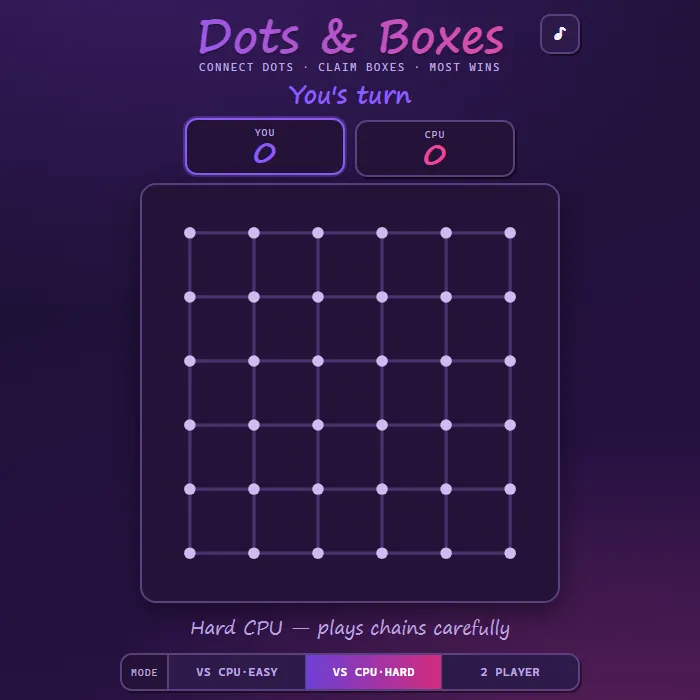
Take turns drawing lines between dots, claim the box when you close its fourth side, and own the most boxes to win.
About Dots and Boxes
Dots and Boxes is a timeless pencil-and-paper duel of patience and foresight, recreated here with a glowing purple-and-pink board. On each turn you draw a single line between two neighboring dots; whoever completes the fourth wall of a box claims it in their color and immediately gets to go again. That bonus turn is the heart of the game: greedily grabbing every box can backfire, while a well-timed sacrifice can hand your rival a small chain so you can sweep a bigger one later. Play locally against a friend in 2-Player mode, or test yourself against a CPU that ranges from a forgiving Easy opponent to a Hard rival that tracks chains and parity. Choose anything from a quick 3x3 grid to a tense 6x6 battlefield.
Where Dots and Boxes comes from
Dots and Boxes was first published in 1889 by the French mathematician Edouard Lucas, the inventor of the Tower of Hanoi, in his Jeux scientifiques; he called it la pipopipette and credited the idea to his students at the Ecole polytechnique, 'pipo' being school slang for that college, and he printed it again in L'Arithmetique amusante in 1895. Beneath the simple rules lies real theory: the game is PSPACE-complete, and Elwyn Berlekamp's book The Dots and Boxes Game (2000) showed that expert play turns on controlling who is forced to open the first long chain, since that player usually loses. This version is 360 PlayZone's own take on the classic. Source.
Inside Dots and Boxes: what we checked
The numbers below come from Dots and Boxes's own source code, and the screenshots are from our own test run of the game (20 October 2026).
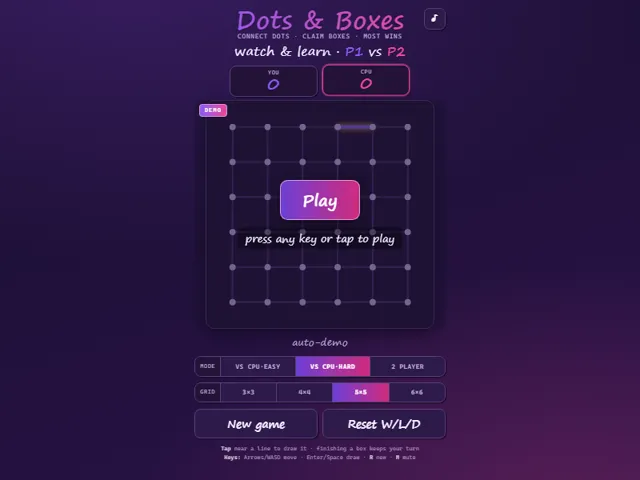
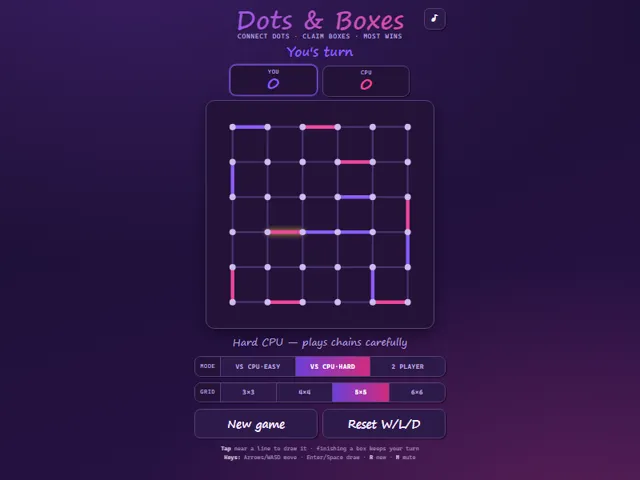
- You can pick a 3 × 3, 4 × 4, 5 × 5 or 6 × 6 grid of boxes; the default is 5 × 5 against the Hard CPU. The mode and size you chose are remembered.
- Closing a box scores it and gives you another line straight away, for you and the computer alike, so a player can claim a whole chain in one turn.
- Both CPU levels always claim a box when one is available. Without one, they avoid drawing a third side of a box, because that hands it to you.
- CPU Easy picks a safe line only 82% of the time and otherwise plays any line at random, so it will sometimes give boxes away. CPU Hard always picks a safe line when there is one.
- When every remaining line gives something away, Hard picks the one that opens the shortest chain, so it hands over as few boxes as it can.
- Wins, losses and draws against the computer are kept in this browser and can be cleared with Reset W/L/D. 2 Player games are not counted. Keys: arrows or WASD move, Enter or Space draws, R starts a new game.
Unblocked Chromebook No Download Mobile Multiplayer
How to play Dots and Boxes
On your turn, tap near any empty line between two dots (or move the keyboard cursor and press Enter) to draw it. Completing the fourth side of a box paints it your color and grants you another turn right away. When every line is drawn, whoever owns the most boxes wins.
Controls
Mouse/touch: tap near a line to draw it (hit areas are generous). Keyboard: Arrow keys or WASD move the line cursor, Enter or Space draws the highlighted line, R starts a new game, M toggles mute.
Tips & tricks
- Don't grab a box just because you can — finishing it may force your next move to open a long chain for your opponent.
- Count the sides: never add the third side to a box unless you are also taking it, or you are deliberately sacrificing.
- When you must give something away, give away the smallest chain on the board and keep the big one for yourself.
- The advanced 'double-cross' trick: when claiming a long chain, leave the last two boxes for your opponent so they're forced to open the next chain back to you.
Frequently asked questions
Does Dots and Boxes save my progress?
Partly. Dots and Boxes keeps a running win/loss tally and your settings in this browser's local storage; there is no level progress to save. Nothing is uploaded and no account is involved — clearing your browser data is what resets it.
Is Dots and Boxes unblocked at school or work?
Dots and Boxes is a plain web page of about 36 KB — no plugin, no installer, no app store — so it loads on a Chromebook or a locked-down school or office laptop the same way any other page does, and the whole game arrives in one short download. Whether it opens comes down to your network's filter rather than the game itself.
Who made Dots and Boxes?
Dots and Boxes was built in-house by the 360 PlayZone team using open web technology (HTML5), which is why it runs instantly without any download.
Embed Dots and Boxes
From our blog
Dots and Boxes features in How to Play Battleship: Rules, Ship Sizes and the Hunt-and-Target Method.