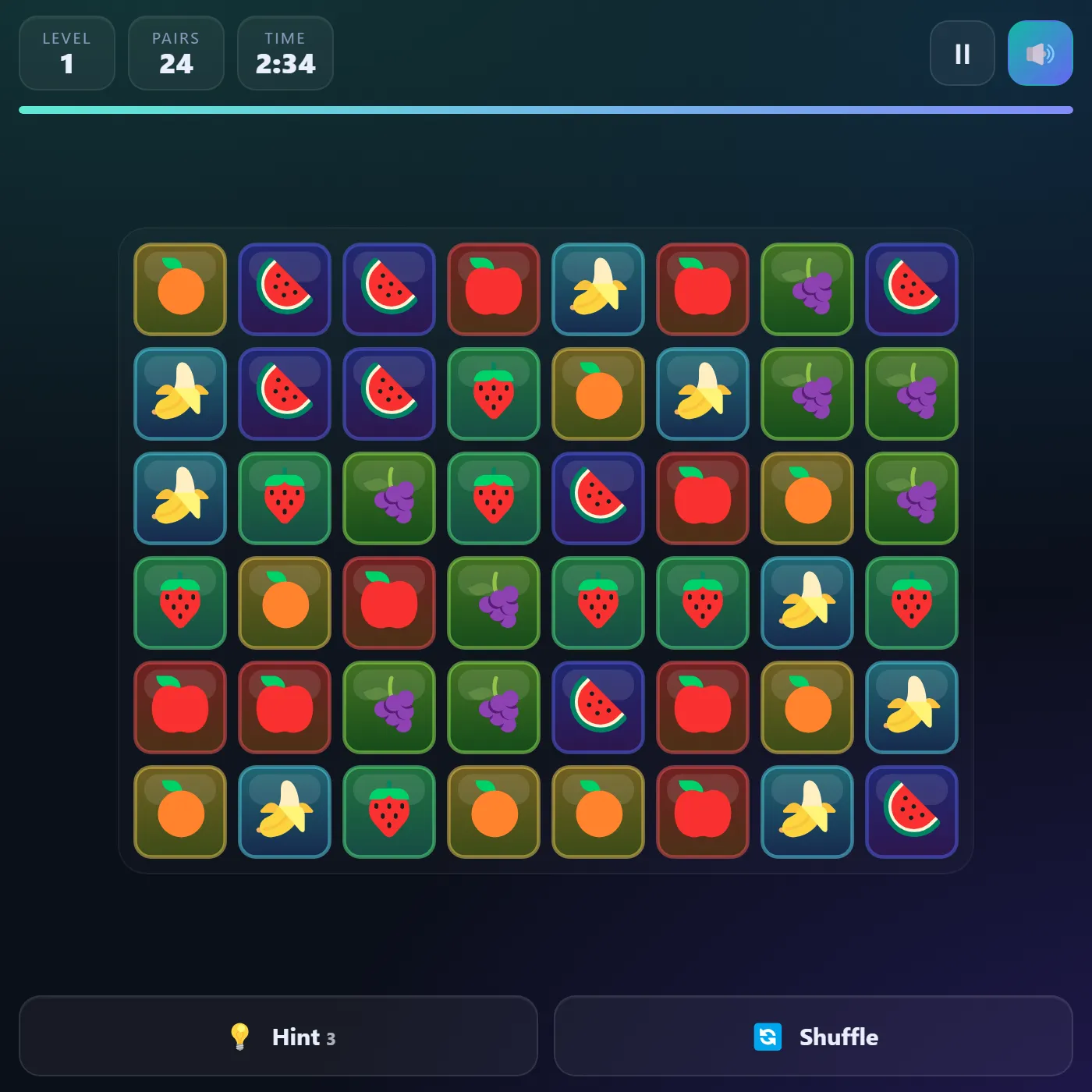
Tap two matching tiles to link and clear them, as long as a clean path can join the pair with no more than two turns. Empty the whole board to unlock a bigger, busier level.
About Tile Link
Tile Link is the satisfying connect-the-pair puzzle where a packed board of little icons slowly melts away, one match at a time. You hunt for two tiles wearing the same face, then work out whether a clear path can snake between them. Left, right, up, down, through empty space and the open border around the grid, bending no more than twice. Land a valid link and the tiles burst with a quick spark while the connecting line whips across the board. That tiny payoff is weirdly addictive. The path rule is the whole catch. Two tiles can sit right next to each other and still refuse to join because everything around them is walled in, so you learn fast to clear the edges first and open lanes before the middle clogs up. A countdown keeps things lively. Chained clears stack a combo bonus, and the board quietly reshuffles itself if it ever runs out of moves, so you're never truly stuck. Hint and Shuffle are there for the tight spots, and every level you finish hands you a denser grid with more symbols to untangle.
Unblocked Chromebook No Download Mobile For Kids Brain Games
How to play Tile Link
Tap or click a tile to select it, then tap a matching tile to try to link them. The pair clears only if a path of straight horizontal and vertical segments, with at most two turns, connects them through empty cells or the outer border, and it can never cross other tiles. Watch the line animate when a match lands, and chain quick clears for a combo bonus. Clear every tile before the timer runs out to move on to the next, larger level. Use Hint to flash a guaranteed pair (it costs a few seconds) and Shuffle to rearrange the remaining tiles.
Controls
Click or tap a tile to select, then click or tap its match to link. Tap the same tile again to deselect. Buttons for Hint and Shuffle; keys: H hints, S shuffles, P or Esc pauses, M mutes.
Tips & tricks
- Clear the outer ring and corners first — open lanes around the edge make far more paths possible.
- Remember the path can travel through the empty border outside the grid, so distant edge tiles often connect.
- Two identical tiles touching each other always link, so sweep for easy adjacent pairs before they get boxed in.
- Save Hint for genuine dead-ends; it costs time, and the board auto-shuffles when no moves remain anyway.
Frequently asked questions
Is Tile Link unblocked at school or work?
Tile Link is a plain web page of about 60 KB — no plugin, no installer, no app store — so it loads on a Chromebook or a locked-down school or office laptop the same way any other page does, and the whole game arrives in one short download. Whether it opens comes down to your network's filter rather than the game itself.
Who made Tile Link?
Tile Link was built in-house by the 360 PlayZone team using open web technology (HTML5), which is why it runs instantly without any download.