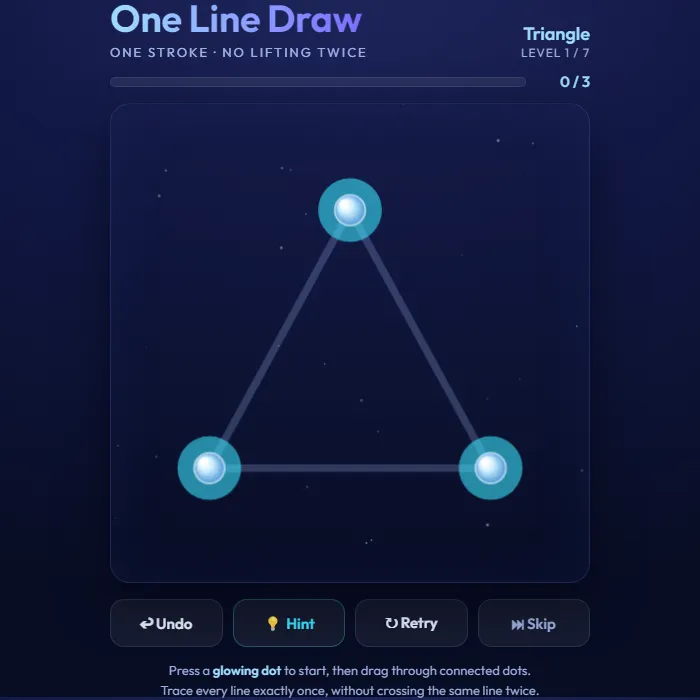
Trace every glowing line of a shape in one continuous stroke, never going over any line twice. A sleek, neon take on the classic one-stroke (Eulerian path) puzzle across seven shapes.
About One Line Draw
One Line Draw is the timeless 'draw it without lifting your finger' puzzle, dressed up in calm neon. Each level hands you a constellation of glowing dots joined by faint lines, and your job is to light up every single line in one unbroken stroke, never tracing the same line twice. On a triangle it looks effortless. On the star, the house, and the envelope it turns into a proper head-scratcher. Under the hood it's a lovely bit of graph theory, since only certain starting dots can possibly work, and the game quietly helps out by making those valid starting points pulse. Nothing punishes you for experimenting either. There's no timer, so you can undo a step, retry the level, or tap Hint to reveal a next move when you're stuck. With smooth glowing trails and that satisfying snap as the last line connects, it's a perfect bite-sized brain-teaser for a quiet moment.
Inside One Line Draw: what we checked
The numbers below come from One Line Draw's own source code, and the screenshots are from our own test run of the game (20 October 2026).
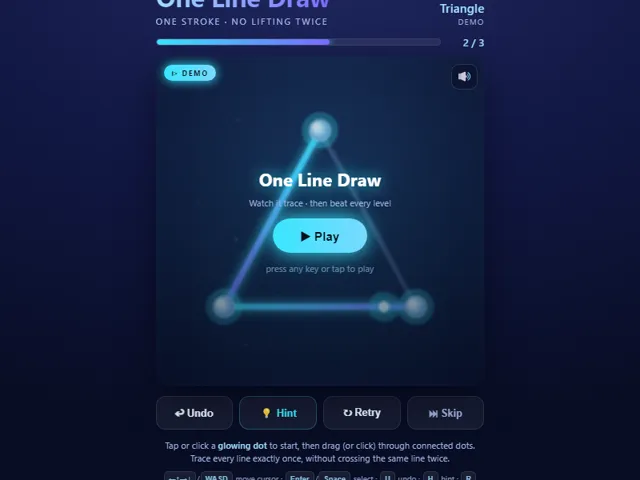
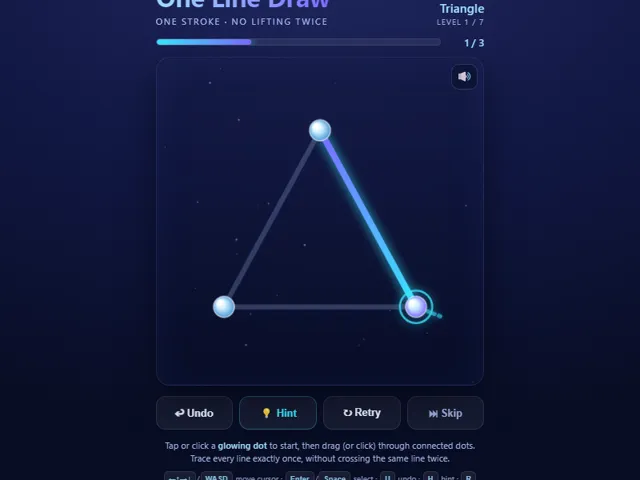
- There are 7 levels, in this order: Triangle (3 lines), Square (4), Crossed Square (5), Star (5), House (6), Bowtie (6) and Envelope (8).
- The glowing dots show where you may start. If a shape has exactly two dots with an odd number of lines, as the Crossed Square, House and Envelope do, you must start on one of those two. On the others every dot has an even number of lines, so you can start anywhere and finish back where you began.
- You can only draw a line that has not been drawn yet, from the dot you are on to a dot it connects to. Nothing warns you about a dead end, so use Undo (U), which removes your last line, or Retry (R) to start the level over.
- The Hint (H) lights up the first untraced line leaving the dot you are on for about a second. It does not check whether that choice can still be finished, so it can point you at a dead end.
- Skip (N) jumps to the next level, and after the last level it wraps round to the first. The furthest level you have reached is kept in this browser.
- You can draw with a finger or mouse, or move between dots with the arrow keys.
Unblocked Chromebook No Download Mobile For Kids Brain Games
How to play One Line Draw
Start on one of the pulsing (glowing) dots, then drag through connected dots to light up the lines between them. Every line must be traced exactly once, and you can never go over a line you've already drawn. Cover all the lines in one continuous stroke to complete the level. Use Undo to take back a step, Hint to highlight a possible next line, Retry to restart, or Skip to jump ahead.
Controls
Press a glowing dot and drag through connected dots to trace lines (mouse or touch). Buttons: Undo, Hint, Retry, Skip.
Tips & tricks
- Begin on a pulsing dot — only certain start points can finish the whole shape.
- If a shape has two 'odd' corners, you must start on one of them and finish on the other.
- Plan a route that saves dead-end lines for last.
- Stuck? Undo back a few steps and try a different branch instead of restarting.
Frequently asked questions
Does One Line Draw save my progress?
Yes — One Line Draw saves your progress and settings in this browser's local storage, so you can pick up where you left off on the same device. Nothing is uploaded and no account is involved — clearing your browser data is what resets it.
Is One Line Draw unblocked at school or work?
One Line Draw is a plain web page of about 32 KB — no plugin, no installer, no app store — so it loads on a Chromebook or a locked-down school or office laptop the same way any other page does, and the whole game arrives in one short download. Whether it opens comes down to your network's filter rather than the game itself.
Who made One Line Draw?
One Line Draw was built in-house by the 360 PlayZone team using open web technology (HTML5), which is why it runs instantly without any download.