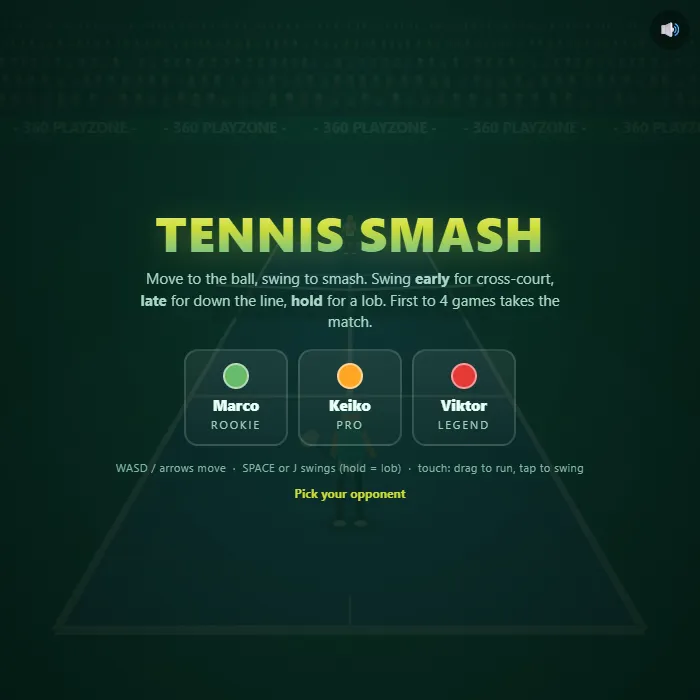
Arcade tennis with real scoring: run down every ball, time your swing to paint the lines, and out-rally three very different opponents. First to four games takes the match.
About Tennis Smash
Tennis Smash is a full tennis match squeezed into an arcade you can finish on a coffee break. You play from behind the baseline of a perspective court, chasing a ball that bounces, hangs and dips like it should, with a shadow that tells you exactly where it lands. The scoring is the real thing - 15, 30, 40, deuce, advantage - and a 3-3 finish sends the whole match into a tiebreak.
The swing button is the entire skill ceiling. Press it early and your shot whips cross-court; wait until the ball is almost on top of you and it screams down the line instead. Hold the button and you float a lob over an opponent who's crept in behind a drop shot. Rallies genuinely build: every return comes back a little quicker, until someone gets wrong-footed and the point ends with a chalk puff and an OUT call - or an ace traced dot by dot across the court.
Three opponents wait on the start screen. Marco the rookie donates points in green, Keiko the pro makes you earn every game, and Viktor the legend covers the court like a wall and punishes anything soft. Beating him down the line at deuce is the shot you'll come back for.
Unblocked Chromebook No Download Mobile For Kids Quick Games
How to play Tennis Smash
Pick an opponent, then tap or press Space to serve. Run to where the ball's shadow is heading and swing before it passes you - the ball must bounce at most once on your side. Your swing timing steers the shot: swing early to go cross-court, swing at the last moment to go down the line, or hold the button to throw up a lob. Win points to take games; first to four games wins the match, with a tiebreak at 3-3.
Controls
Desktop: WASD or arrow keys to move, Space or J to swing (hold for a lob), M mutes. Touch: drag to run, tap to swing, tap to serve.
Tips & tricks
- Watch the shadow, not the ball - it shows exactly where the bounce will land, which is where you need to be.
- Swinging at the very last moment goes down the line, the fastest way past an opponent who's drifted toward the middle.
- Long rallies are your friend: every extra return raises the odds your opponent gets wrong-footed, so aim wide and keep the point alive.
- When Viktor drops a short ball and rushes you, hold the swing button - a lob over his head wins the point more often than a panicked drive.
Frequently asked questions
Is Tennis Smash unblocked at school or work?
Tennis Smash is a plain web page of about 40 KB — no plugin, no installer, no app store — so it loads on a Chromebook or a locked-down school or office laptop the same way any other page does, and the whole game arrives in one short download. Whether it opens comes down to your network's filter rather than the game itself.
Who made Tennis Smash?
Tennis Smash was built in-house by the 360 PlayZone team using open web technology (HTML5), which is why it runs instantly without any download.