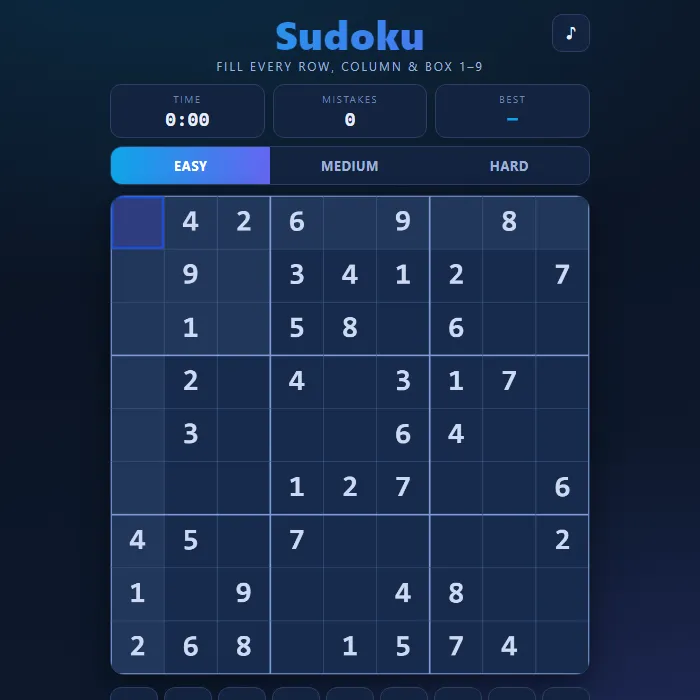
Classic 9x9 Sudoku with three difficulties, pencil notes, hints, conflict highlighting, a mistake counter and a running timer.
About Sudoku
Sudoku is a logic puzzle played on a 9x9 grid split into nine 3x3 boxes. Your goal is to fill every empty square so that each row, each column and each box contains the digits 1 through 9 exactly once. Every puzzle here is freshly generated from a complete valid solution and then carefully carved out so that it has one and only one answer, verified by a solver before you ever see it. Pick Easy, Medium or Hard, jot down candidate notes, and chase a clean solve with no mistakes and your fastest time.
Where Sudoku comes from
Modern Sudoku was most likely designed by Howard Garns, a 74-year-old retired architect from Connersville, Indiana, and first appeared in Dell Magazines in 1979 under the name Number Place; French newspapers had printed similar 9x9 number puzzles in the 1890s. Maki Kaji's Nikoli company introduced it to Japan in 1984 as 'Suji wa dokushin ni kagiru' ('the digits must be single'), shortened to Sudoku in 1986, and Wayne Gould's puzzles in The Times from November 2004 set off the worldwide craze. This version is 360 PlayZone's own take on the classic. Source.
Inside Sudoku: what we checked
The numbers below come from Sudoku's own source code, and the screenshots are from our own test run of the game (20 October 2026).
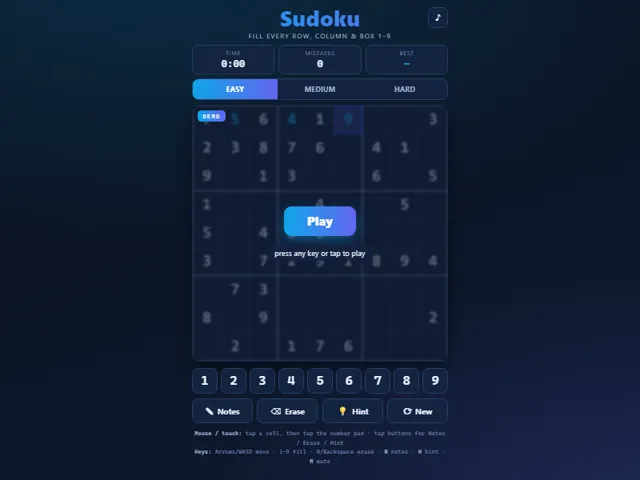
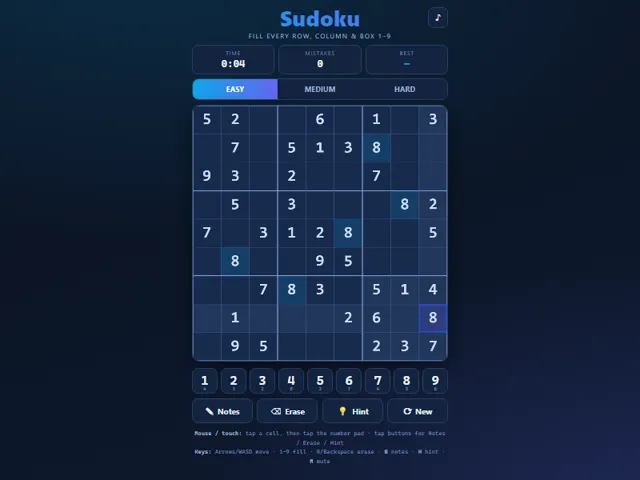
- Three difficulties differ in how many numbers you are given: 42 on Easy, 34 on Medium and 28 on Hard.
- Every puzzle is made fresh in your browser, by removing numbers from a completed grid one at a time and keeping a removal only if the puzzle still has exactly one solution.
- Entering a number that does not match the solution adds a mistake to the counter, even if it does not clash with anything yet. There is no limit on mistakes, so the counter is only a record.
- Hint is unlimited, but every hint also adds one to the mistake counter. It fills the selected cell if it is wrong or empty, otherwise a random wrong or empty cell.
- A pad button greys out once all nine of that digit are on the board. Tapping the digit already in a cell removes it, N toggles pencil notes, and 0 or Backspace erases.
- Your best time for each difficulty and the puzzle you are in the middle of are kept in this browser.
Unblocked Chromebook No Download Mobile For Kids Brain Games
How to play Sudoku
Tap or click an empty cell to select it, then choose a digit from the number pad to fill it. Use Notes mode to pencil in candidates, the Erase button to clear a cell, and Hint if you get stuck. Complete the whole grid correctly to win and try to beat your best time per difficulty.
Controls
Mouse/touch: tap a cell, then tap a number on the pad; use the Notes, Erase, Hint and New buttons. Keyboard: Arrows or WASD move the selected cell, 1-9 enter a number, 0/Backspace erase, N toggles notes, H gives a hint, M mutes.
Tips & tricks
- Start with rows, columns or boxes that already have the most numbers filled in, where only a couple of options remain.
- Turn on Notes mode and pencil in every candidate for tricky cells, then erase them as you eliminate possibilities.
- Look for a digit that can only go in one spot within a box, even if that cell has several other candidates.
- Tap a filled number to highlight every matching digit on the board, which makes spotting the missing ones much faster.
Frequently asked questions
Does Sudoku save my progress?
Yes — Sudoku keeps your best score and settings in this browser's local storage, so they are still there when you come back on the same device. Nothing is uploaded and no account is involved — clearing your browser data is what resets it.
Is Sudoku unblocked at school or work?
Sudoku is a plain web page of about 31 KB — no plugin, no installer, no app store — so it loads on a Chromebook or a locked-down school or office laptop the same way any other page does, and the whole game arrives in one short download. Whether it opens comes down to your network's filter rather than the game itself.
Who made Sudoku?
Sudoku was built in-house by the 360 PlayZone team using open web technology (HTML5), which is why it runs instantly without any download.
Embed Sudoku
From our blog
Sudoku features in Play Sudoku Online: Rules, Solving Techniques and How to Stop Guessing and Best Unblocked Games for School (2026).