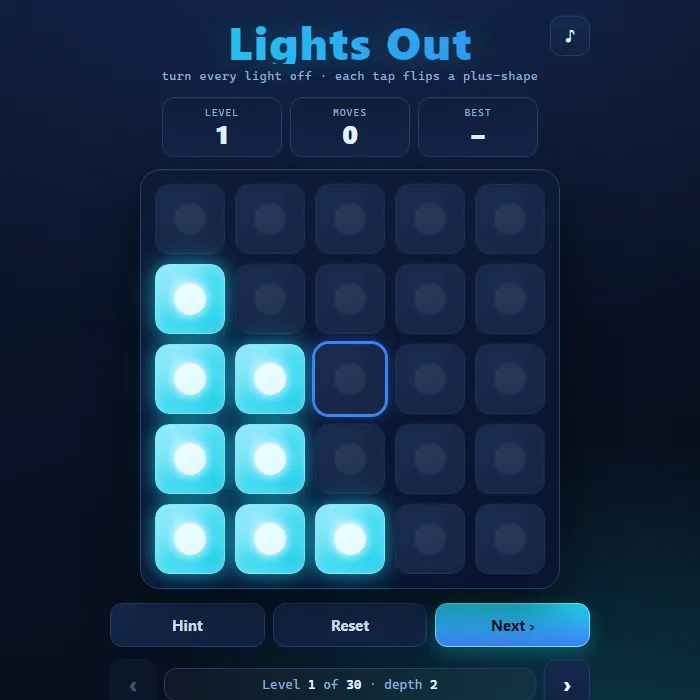
Flip every light on a 5x5 grid off, where each tap toggles a cell and its four neighbors, across 30 escalating levels.
About Lights Out
Lights Out is a deceptively simple logic puzzle built on a glowing 5x5 grid. Tapping any cell toggles that light plus its four orthogonal neighbors, so the only way to win is to plan combinations of presses that cancel each other out until the whole board goes dark. Every puzzle is generated and verified with GF(2) linear algebra, so it is always solvable, and a built-in solver can light up the next correct move whenever you get stuck. With 30 levels of increasing scramble depth, a per-level best-moves record, and instant solvability checking, it rewards both quick intuition and careful parity reasoning.
Where Lights Out comes from
Lights Out was released as a handheld electronic game by Tiger Electronics in 1995, with a 5x5 grid of lights where each press also toggles the four neighbours. The idea was older, since Parker Brothers' Merlin handheld carried a 3x3 'Magic Square' in 1978 and Vulcan Electronics sold the XL-25 in 1983, and in 1998 the mathematicians Marlow Anderson and Todd Feil used linear algebra to show that not every 5x5 pattern can be solved. This version is 360 PlayZone's own take on the classic. Source.
Inside Lights Out: what we checked
The numbers below come from Lights Out's own source code, and the screenshots are from our own test run of the game (20 October 2026).
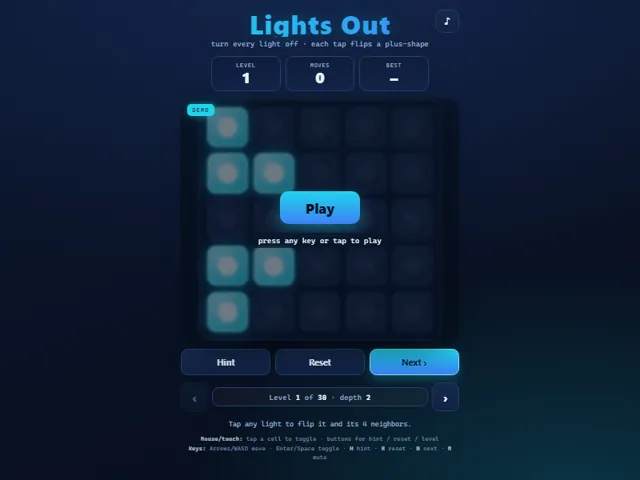
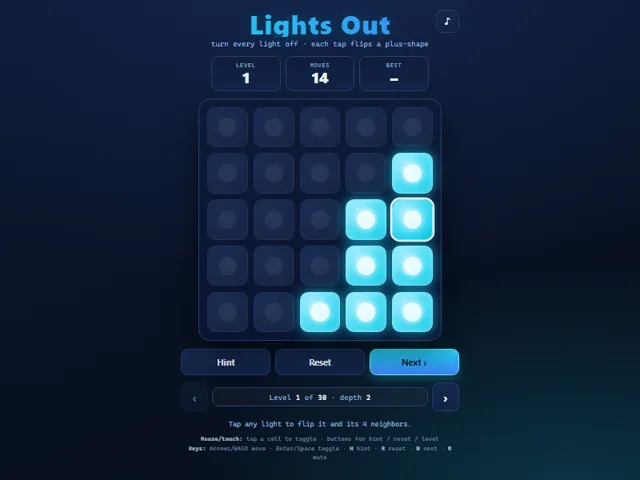
- The grid is 5 × 5. Tapping a light flips it and the squares above, below, left and right of it, and the goal is to turn every light off.
- Every puzzle is made by pressing random squares on a solved board, never repeating one, so it is always solvable. The depth shown under the buttons is how many squares were pressed: 2 on level 1, rising to 24 from level 26 on.
- There are 30 levels and you can step between them freely with the arrows or Next; none are locked. Each time you open a level you get a fresh random puzzle, and Reset gives you the same puzzle back.
- Every tap adds one to your move count, including a tap that undoes an earlier one, since there is no undo button. Your fewest moves is kept for each level.
- The hint solves the whole puzzle behind the scenes and makes one square that still needs pressing pulse. Using it adds nothing to your moves.
- Your current level and your best move counts are kept in this browser.
Unblocked Chromebook No Download Mobile For Kids Brain Games
How to play Lights Out
Tap or click any light to toggle it along with the cells directly above, below, left, and right of it. Work out a sequence of presses that turns the entire grid off to clear the level, then advance to the next, deeper puzzle. Use Hint if you are stuck and Reset to restart the current board.
Controls
Mouse/touch: tap a cell to toggle it and its neighbors; on-screen buttons for Hint, Reset, Next, and previous/next level. Keyboard: Arrows or WASD move the cursor, Enter/Space toggles, H = hint, R = reset, N = next level, P = previous level, M = mute.
Tips & tricks
- Order does not matter and pressing the same cell twice cancels out, so each cell only ever needs to be pressed once in a solution.
- Solve the top row by feel, then use each row to fix the row above it, pressing only the cells beneath any lights still on.
- Whatever pattern is left lit in the bottom row tells you which top-row presses to start over with, the classic chase-the-lights trick.
- Use Hint sparingly: it reveals one cell from a known optimal-style solution, great for unsticking a single tricky move.
Frequently asked questions
Does Lights Out save my progress?
Yes — Lights Out saves your progress and settings in this browser's local storage, so you can pick up where you left off on the same device. Nothing is uploaded and no account is involved — clearing your browser data is what resets it.
Is Lights Out unblocked at school or work?
Lights Out is a plain web page of about 25 KB — no plugin, no installer, no app store — so it loads on a Chromebook or a locked-down school or office laptop the same way any other page does, and the whole game arrives in one short download. Whether it opens comes down to your network's filter rather than the game itself.
Who made Lights Out?
Lights Out was built in-house by the 360 PlayZone team using open web technology (HTML5), which is why it runs instantly without any download.