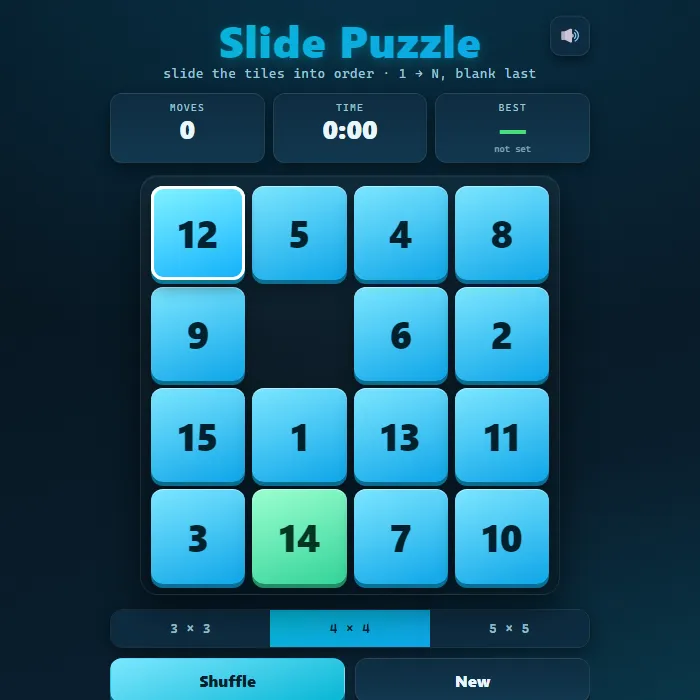
Slide the numbered tiles into order on a 3x3, 4x4, or 5x5 board and beat your best moves and time.
About Slide Puzzle
Slide Puzzle is a modern take on the classic sliding tile game (often called the 15-puzzle). One square is left empty, and you slide the surrounding numbered tiles one at a time until they line up in order with the blank in the corner. Choose a 3x3, 4x4, or 5x5 board for a quick warm-up or a serious brain-bender. Every shuffle is generated from a string of legal moves, so the layout is always guaranteed solvable, and the game tracks your fewest moves and fastest time for each board size.
Where Slide Puzzle comes from
The sliding-tile puzzle is the 15 puzzle, devised by Noyes Palmer Chapman, a postmaster in Canastota, New York, who was showing a 16-block precursor to friends by 1874; the 15-tile form became a full-blown craze in the United States in 1880. The puzzle columnist Sam Loyd claimed from 1891 until his death that he had invented it, which was untrue, and offered $1,000 for a solution to his '14-15' variant that mathematicians had already shown to be impossible, since exactly half of all arrangements cannot be solved. Any solvable 4x4 position can be finished in at most 80 single-tile moves; this version is 360 PlayZone's own take on the classic. Source.
Inside Slide Puzzle: what we checked
The numbers below come from Slide Puzzle's own source code, and the screenshots are from our own test run of the game (20 October 2026).
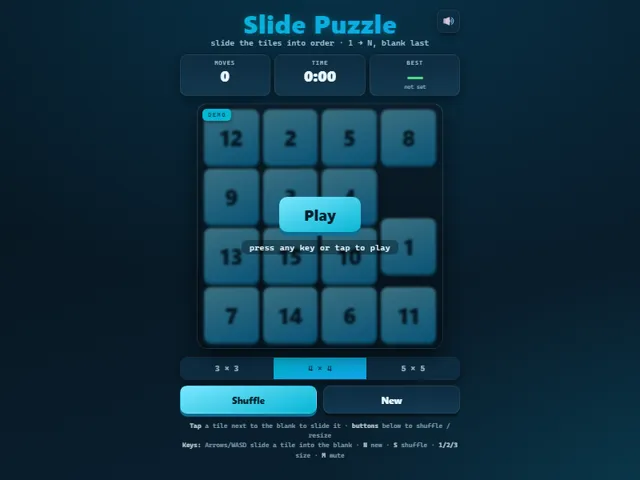
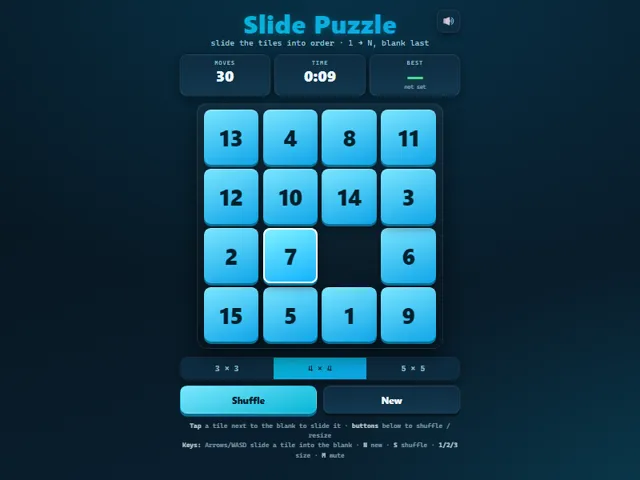
- There are three sizes, 3 × 3, 4 × 4 and 5 × 5, on keys 1, 2 and 3. Each size keeps its own record.
- Every shuffle is made by sliding tiles from the solved position, 222 random moves on 3 × 3, 444 on 4 × 4 and 810 on 5 × 5, never undoing the move just made. That guarantees every board can be solved.
- The clock does not start when the board is shuffled. It starts on your first move, and it stops when the last tile is in place.
- Arrow keys and WASD name the direction the tile travels: pressing Right slides the tile on the left of the blank into it. S reshuffles and N starts a new board.
- A record is judged on fewest moves first, and the time only breaks a tie in moves.
- Your best moves and time for each size are kept in this browser.
Unblocked Chromebook No Download Mobile For Kids Brain Games
How to play Slide Puzzle
Tap or click any tile next to the empty space to slide it in, working the numbers into order (1 up to N with the blank last). Use Shuffle to start a fresh scramble and the size buttons to switch between 3x3, 4x4, and 5x5. Solve the board to log your moves and time, then try to beat your personal best.
Controls
Mouse/touch: tap a tile adjacent to the blank to slide it; buttons for Shuffle, New, and board size. Keyboard: Arrow keys or WASD slide a tile into the blank, Enter/Space slides the highlighted tile, N = new, S = shuffle, 1/2/3 = board size, M = mute.
Tips & tricks
- Solve the top row and left column first, then the puzzle shrinks to a smaller grid you can finish the same way.
- For the last two tiles in a row, set them up rotated into the corner before cycling them into place.
- Smaller boards are all about speed; on 3x3 you can chase a very low move count once you know the pattern.
- Move counts matter for your best score, so avoid sliding a tile back and forth unless you really need to.
Frequently asked questions
Does Slide Puzzle save my progress?
Yes — Slide Puzzle keeps your best score and settings in this browser's local storage, so they are still there when you come back on the same device. Nothing is uploaded and no account is involved — clearing your browser data is what resets it.
Is Slide Puzzle unblocked at school or work?
Slide Puzzle is a plain web page of about 29 KB — no plugin, no installer, no app store — so it loads on a Chromebook or a locked-down school or office laptop the same way any other page does, and the whole game arrives in one short download. Whether it opens comes down to your network's filter rather than the game itself.
Who made Slide Puzzle?
Slide Puzzle was built in-house by the 360 PlayZone team using open web technology (HTML5), which is why it runs instantly without any download.