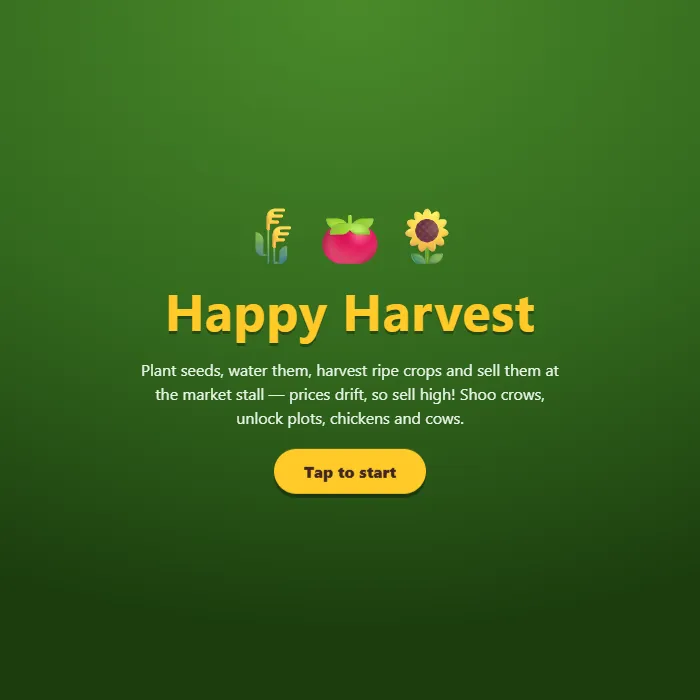
Build a cozy farm one plot at a time: plant, water and drag-harvest crops, then sell them at a market stall where prices rise and fall. Shoo thieving crows, place sprinklers, and raise chickens and cows.
About Happy Harvest
Happy Harvest is a pocket-sized farm sim built around one satisfying motion: swipe across your plots to plant a whole row, swipe again to water it, then swipe one more time when everything ripens at once. Crops grow in real time through visible stages — quick wheat pays for slower tomatoes, and eventually sunflowers, pumpkins and shimmering magic beans that take real patience but sell for a fortune. The twist is the market stall. Prices drift every few seconds, so a basket of tomatoes is worth noticeably more when the ticker arrow flips green — hold your harvest or cash out now, that call is the whole economy. Coins buy new plots, sprinklers that keep a 3x3 patch watered forever, a chicken coop and a cow pen for eggs and milk on timers, and a scarecrow to deal with the crows that dive at your ripe crops when your back is turned. Your farm saves itself and keeps growing while you're away, which makes it a perfect check-in-for-five-minutes game between matches of something louder.
Unblocked Chromebook No Download Mobile For Kids Quick Games
How to play Happy Harvest
Pick a tool from the bottom bar — seed bag, watering can or harvest basket — then tap a plot, or drag across several plots to work them all in one stroke. Water keeps crops growing; when a crop glows gold it's ripe, so harvest it before a crow does (tap the crow to shoo it). Open the shop to choose better seeds, sell your produce when the market arrow is green, and spend coins on plots, sprinklers, animals and a scarecrow. Harvesting earns XP that levels you up and unlocks new crops and buildings.
Controls
Mouse or touch: tap a toolbar tool, then tap or drag across plots; tap crows to shoo them and buildings to feed or collect. Keyboard: 1/2/3 pick a tool, 4 opens the shop, M toggles sound.
Tips & tricks
- Watch the price ticker before selling — every crop drifts between cheap and pricey, and offloading a big harvest on a green arrow can pay half again as much.
- Wheat is your engine early on: it grows in 20 seconds, so keep every plot cycling while you save for tomato seeds and your first extra plots.
- A sprinkler waters all 8 plots around it forever — park your slowest, most valuable crops (pumpkins, magic beans) in its 3x3 so they never stall thirsty.
- Crows only dive at ripe crops, so don't let a full field sit golden while you shop; harvest first, browse later — or buy the scarecrow and relax.
Frequently asked questions
Is Happy Harvest unblocked at school or work?
Happy Harvest is a plain web page of about 52 KB — no plugin, no installer, no app store — so it loads on a Chromebook or a locked-down school or office laptop the same way any other page does, and the whole game arrives in one short download. Whether it opens comes down to your network's filter rather than the game itself.
Who made Happy Harvest?
Happy Harvest was built in-house by the 360 PlayZone team using open web technology (HTML5), which is why it runs instantly without any download.