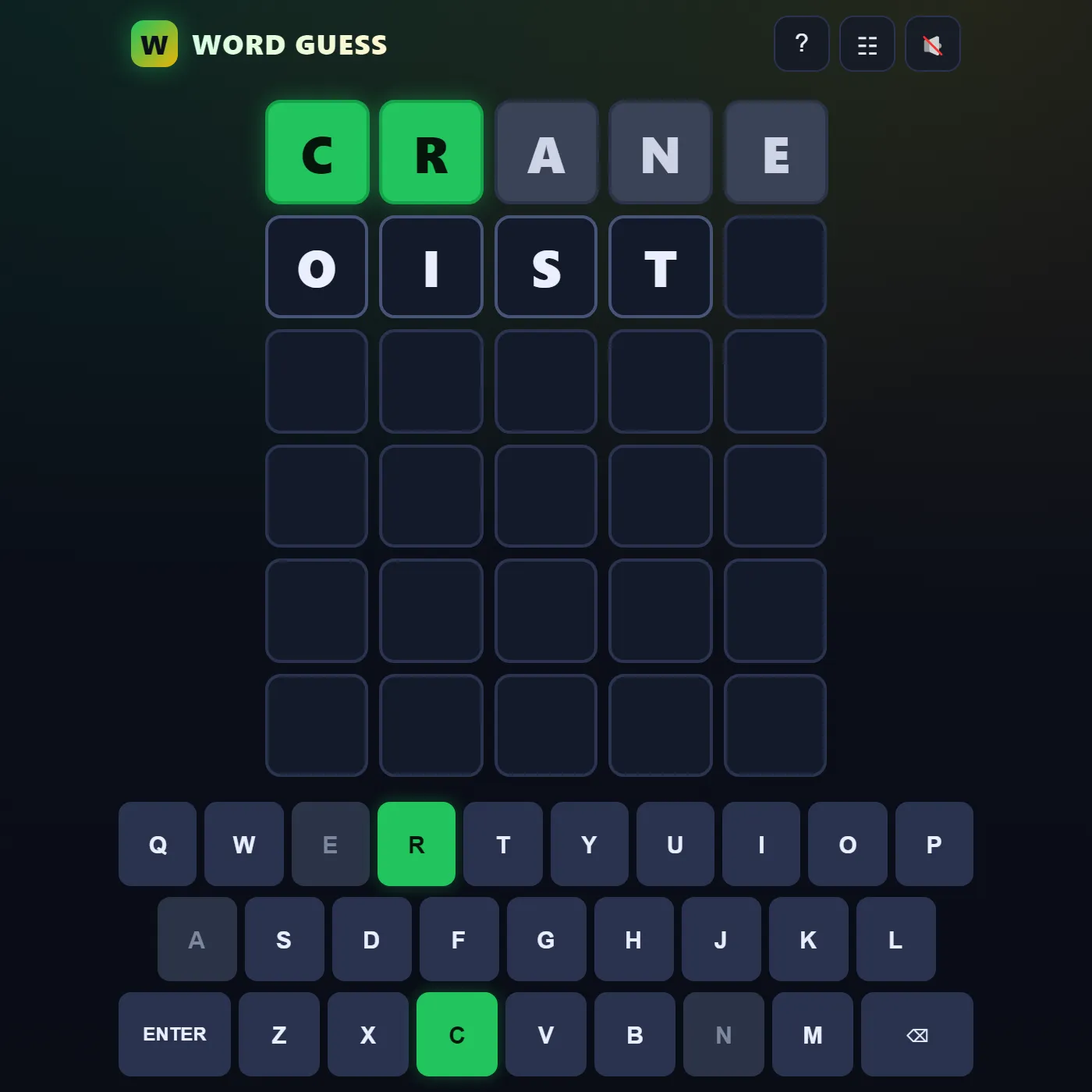
Six tries to crack a hidden five-letter word. Each guess flips the tiles green, yellow or gray, and those colors steer you toward the answer.
About Word Guess
Word Guess takes a deceptively simple idea, guess a five-letter word, and somehow turns it into a little logic ritual you'll keep coming back to. Six rows, one hidden answer, and the answer's pulled fresh from a big pool of friendly everyday words. Type a guess, hit Enter, then watch the tiles flip over one at a time. Green means the letter's sitting in exactly the right spot. Yellow means it's in the word but somewhere else. Gray means it's gone, drop it. The on-screen keyboard recolors as you play, so you've always got a running map of what's in and what's out. Repeated letters get handled the honest way too, which is to say a doubled letter only lights up as many times as it actually shows up in the answer. Want a tougher run? Flip on Hard Mode and every clue you've uncovered turns into a rule you have to obey. Win or lose, a tidy stats panel keeps your games played, win rate, current and best streaks, plus a guess-distribution chart, so you can keep chasing that elusive two-guess solve.
Inside Word Guess: what we checked
The numbers below come from Word Guess's own source code, and the screenshots are from our own test run of the game (20 October 2026).
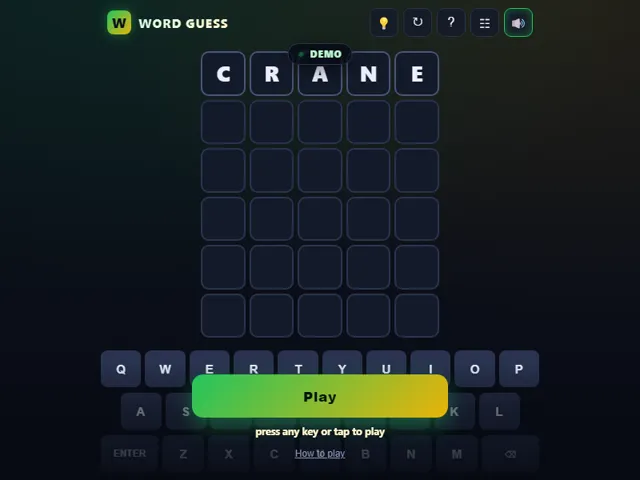
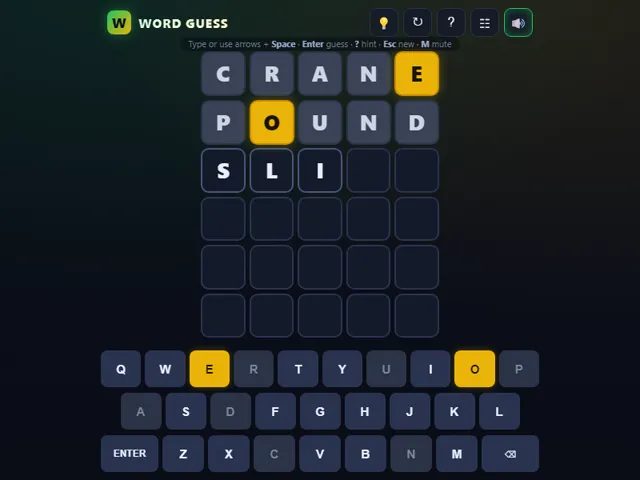
- The answer is one of 1,158 common five-letter words. Guesses are checked against a much longer list of about 5,100 accepted words, and anything not on it is rejected without costing a row.
- Repeated letters are scored the way you would hope: greens are matched first, then yellows are handed out only as many times as the letter really appears in the answer.
- Hard Mode forces you to reuse what you have found. A green letter must stay in its place and every yellow letter must appear somewhere in the next guess. Unlike some versions, it does not forbid letters already shown grey.
- Hard Mode can only be switched while you are on the first row. Once you have made a guess it is locked until the round ends.
- The light bulb button writes one letter of the answer into your current row for free, starting from the square nearest your cursor. It makes no difference to your stats.
- Played, won, current streak, best streak and your guess distribution are kept in this browser, along with your Hard Mode setting.
Unblocked Chromebook No Download Mobile For Kids Brain Games
How to play Word Guess
Type any real five-letter word and press Enter to lock it in. The tiles flip to show how close you got: green is the right letter in the right spot, yellow means it belongs somewhere else, and gray means it isn't in the word at all. Read those clues, narrow things down, and crack it before your six rows are gone. Switch on Hard Mode if you want to force yourself to reuse every hint you've turned up.
Controls
Type on your physical keyboard or tap the big on-screen QWERTY, with Enter to submit and Backspace to delete. M mutes.
Tips & tricks
- Open with a word packed with common vowels and letters to light up the board fast.
- A yellow letter is still progress — it tells you the letter is in there, just not where you put it.
- Watch for double letters; a letter can come back gray even when you have already placed it once.
- Keep an eye on the keyboard colors to see which letters you have not tried yet.
Frequently asked questions
Does Word Guess save my progress?
Partly. Word Guess keeps a running win/loss tally and your settings in this browser's local storage; there is no level progress to save. Nothing is uploaded and no account is involved — clearing your browser data is what resets it.
Is Word Guess unblocked at school or work?
Word Guess is a plain web page of about 88 KB — no plugin, no installer, no app store — so it loads on a Chromebook or a locked-down school or office laptop the same way any other page does, and the whole game arrives in one short download. Whether it opens comes down to your network's filter rather than the game itself.
Who made Word Guess?
Word Guess was built in-house by the 360 PlayZone team using open web technology (HTML5), which is why it runs instantly without any download.
Embed Word Guess
From our blog
Word Guess features in Games Like Wordle — Free Word Puzzles You Can Play Right Now.