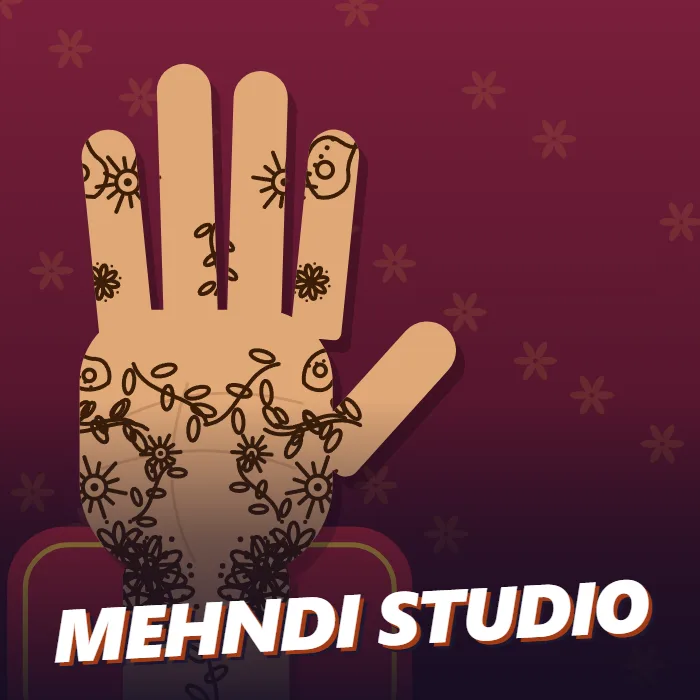
A henna design game. Decorate an open palm with stamped flowers, paisleys, mandalas, vines and dots, draw your own lines with the brush, mirror the pattern across the hand, then dry the paste to reveal the red stain.
About Mehndi Studio
Mehndi Studio is a creative game about the part of every wedding and festival that happens the night before: someone sits with a cone of henna paste and turns a bare palm into a pattern. Here you hold the cone. An open hand rests on a red cushion, and every tap leaves a mark in dark brown paste.
Six stamps cover the classic motifs. The flower is eight petals around a centre with a ring of dots. The paisley is the curved mango shape, the ambi, with a line of dots along its spine. The mandala is the round medallion that usually sits in the middle of the palm. The vine is a stem with leaves that suits the fingers, the dots tool lays a ring of beads, and the sun is a circle with rays. Each stamp comes in three sizes. The seventh tool is a freehand brush for joining everything together with lines, loops and borders of your own.
Two switches save a lot of work. Mirror repeats whatever you stamp or draw on the opposite side of the hand, which is how real designs get their balance. Fingertips fills the end of every finger and the thumb with solid colour, the traditional finishing touch. Undo takes back the last mark, Clear wipes the hand, and Skin changes the skin tone.
When the design is finished, press Dry and reveal. The paste slowly turns from wet brown to the deep orange-red of a set mehndi stain. You can save the result as a picture, keep working on the same hand, or start a new one. There is no score and no timer.
Unblocked Chromebook No Download Mobile
How to play Mehndi Studio
Choose a stamp and tap or click anywhere on the hand to place it. Pick Small, Medium or Large to change its size. Choose Brush and drag to draw freehand lines. Turn Mirror on to copy every mark to the other side of the hand, and Fingertips to colour the ends of the fingers. Use Undo or Clear to correct mistakes. Press Dry and reveal to finish and see the stained design, then save it if you like.
Controls
Mouse or touch only: click or tap to stamp, drag with the brush to draw, and use the buttons in the panel. P pauses and M mutes on a keyboard.
Tips & tricks
- Start with one large mandala in the centre of the palm and build outward from it.
- Leave Mirror on for the palm and turn it off for the thumb, which has no opposite side.
- Vines and small paisleys fit the fingers. They turn to point away from the palm on their own.
- Use the small brush to connect stamps with lines. Joined-up designs look far more like the real thing than scattered ones.
Frequently asked questions
How do I draw my own lines in Mehndi Studio?
Select the Brush tool and drag across the hand with the mouse or a finger. The size buttons change the thickness of the line, and Mirror copies it to the other side.
Can I save my henna design?
Yes. Press Dry and reveal, then Save photo, and the finished design is downloaded as an image file to your device.
What does Dry and reveal do?
It finishes the design and plays the colour change from wet brown paste to the orange-red stain henna leaves on skin. You can go back and keep drawing afterwards.
Does Mehndi Studio save my progress?
Partly. Mehndi Studio keeps a running win/loss tally and your settings in this browser's local storage; there is no level progress to save. Nothing is uploaded and no account is involved — clearing your browser data is what resets it.