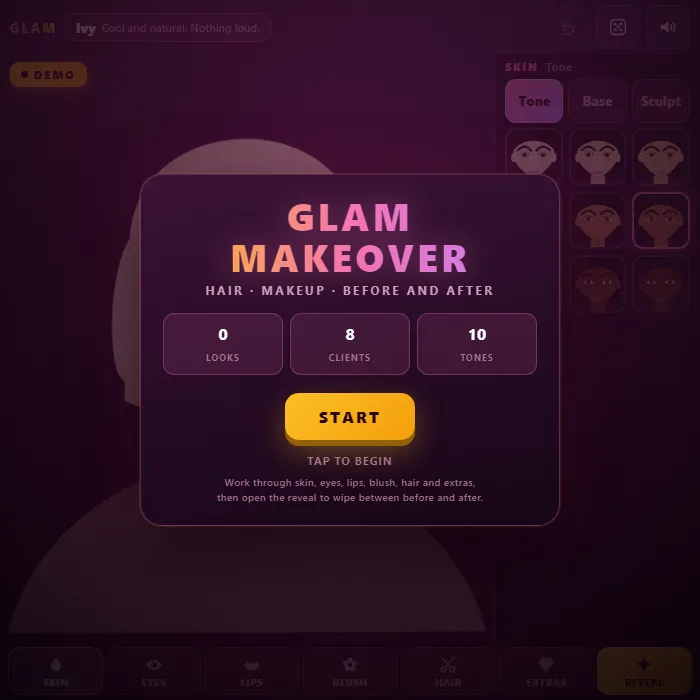
A free makeover game with a real before and after. Work through skin, eyes, lips, blush, hair and accessories on a face you can style down to the eyeliner wing, then drag the wipe handle to compare the two.
About Glam Makeover
Every client arrives with a bare face, their own hair, and one line about what they want. Warm tones, keep it soft. Bold eyes, go big. Cool and natural, nothing loud. What you do with that is up to you, and the tools go deeper than a paint bucket: ten skin tones, six eyeshadow styles, six liner shapes from a hairline flick to a full wing, five lash sets, five lip finishes, four blush placements at three depths, eight cuts with a separate fringe and dip-dye, and earrings, headwear, glasses and necklaces on top.
The part that makes it a game rather than a toy is the reveal. Two meters read your finished look back to you — warm against cool, and soft against bold — with a marker showing where the client asked you to land. Lip colour and hair colour swing the warm meter hardest; liner, lashes and blush depth decide the bold one. Miss both and the client says so. Hit both and she tells you it is exactly what she asked for.
Then the wipe. The bare face and the finished one sit in the same frame with a handle between them, and dragging it slowly across is the best way to see what you actually changed — and what you forgot. Undo steps back one choice at a time, so you can pull out a lip colour without losing the eye you spent five minutes on, and the shuffle button builds a coherent look rather than random noise when you want a starting point instead of a blank face.
Inside Glam Makeover: what we checked
The numbers below come from Glam Makeover's own source code, and the screenshots are from our own test run of the game (20 October 2026).
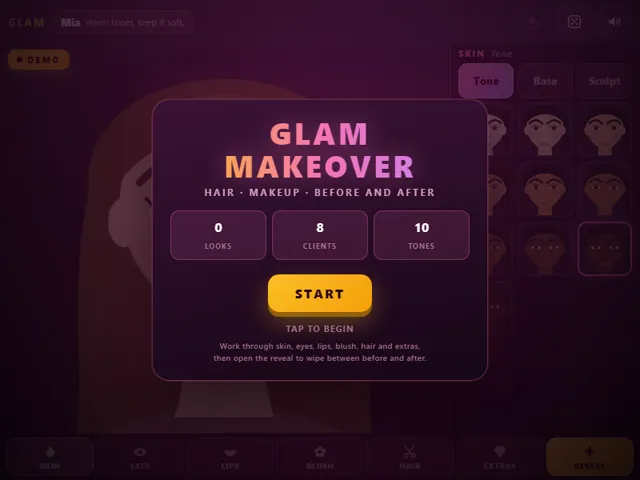
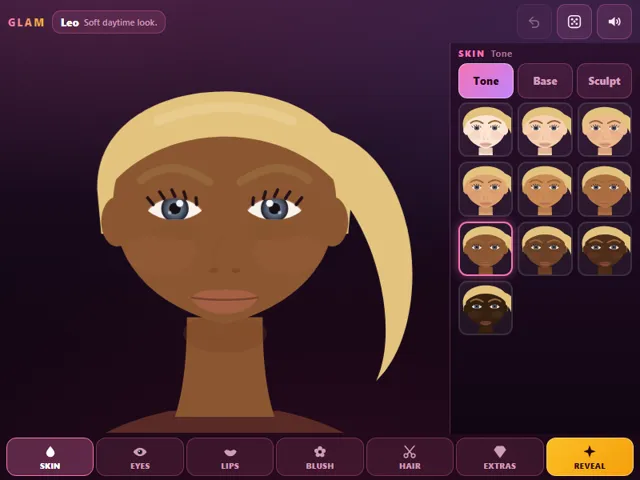
- Each client arrives with a short brief that you are scored against, such as "Warm tones, keep it soft" or "Bold eyes. Go big." There are 8 clients, and a new one is picked at random each time.
- The work is split into six stages, Skin, Eyes, Lips, Blush, Hair and Extras, with 18 tools between them, from tone and eyeshadow to fringe and neck jewellery. A stage gets a tick once you have actually changed something in it.
- Behind each brief are two numbers: how warm or cool the colours should be, and how dramatic the look should be. The game averages those two measures over everything you chose and compares them with the client's targets.
- The reaction ranges from "Exactly what I asked for" when you are very close, through "Very close to my brief", "Not quite my brief, but it works" and "A long way from my brief", to "That is the opposite of what I asked for". With fewer than two real changes you only get "Barely a makeover".
- Hair, lashes, brows and foundation count as a step only if you change them from the client's starting look, so leaving them as they came in earns you nothing for them.
- The Reveal button wipes between before and after. The game keeps a count of looks finished and your last look in this browser, and there is an undo button.
Unblocked Chromebook No Download Mobile For Kids
How to play Glam Makeover
Pick a stage from the bar along the bottom — skin, eyes, lips, blush, hair or extras — then choose a tool tab and tap an option to try it on. The colour swatches under the options recolour whatever you are working on, so shadow, liner, lips, blush, hair and metal all have their own palette. Read the client's line in the top bar before you start; it tells you which end of warm and bold she is after. Undo backs out one change, the shuffle button builds a whole coherent look, and the reveal opens the before and after with a handle you can drag across.
Controls
Desktop: click the stage bar, the tool tabs, the option tiles and the colour swatches; drag the wipe handle on the reveal. U undoes, R shuffles, Enter opens the reveal, M mutes. Touch: tap anything, drag the handle.
Tips & tricks
- The client's line is a target, not decoration. "Bold eyes" means the liner and lash choices carry the score, and a wing with doll lashes moves the bold meter further than any three accessories will.
- Hair colour and lip colour swing the warm meter hardest, because they are the two biggest blocks of colour on the face. Fixing a cool brief usually means changing those two rather than fiddling with the blush.
- Sculpt lives under Skin and is easy to skip, but it is the only tool that changes the shape of the face instead of adding to it. On a soft brief it does more than another necklace.
- Shuffle first, then repair. It picks one warmth family and one drama level and stays inside them, so you get a look that already hangs together and usually only needs the lip or the fringe changed.
Frequently asked questions
Does Glam Makeover save my progress?
Partly. Glam Makeover keeps a running win/loss tally and your settings in this browser's local storage; there is no level progress to save. Nothing is uploaded and no account is involved — clearing your browser data is what resets it.
Is Glam Makeover unblocked at school or work?
Glam Makeover is a plain web page of about 83 KB — no plugin, no installer, no app store — so it loads on a Chromebook or a locked-down school or office laptop the same way any other page does, and the whole game arrives in one short download. Whether it opens comes down to your network's filter rather than the game itself.
Who made Glam Makeover?
Glam Makeover was built in-house by the 360 PlayZone team using open web technology (HTML5), which is why it runs instantly without any download.
Embed Glam Makeover
From our blog
Glam Makeover features in Best Dress Up and Makeover Games — Free Salon, Nail Art and Makeup.