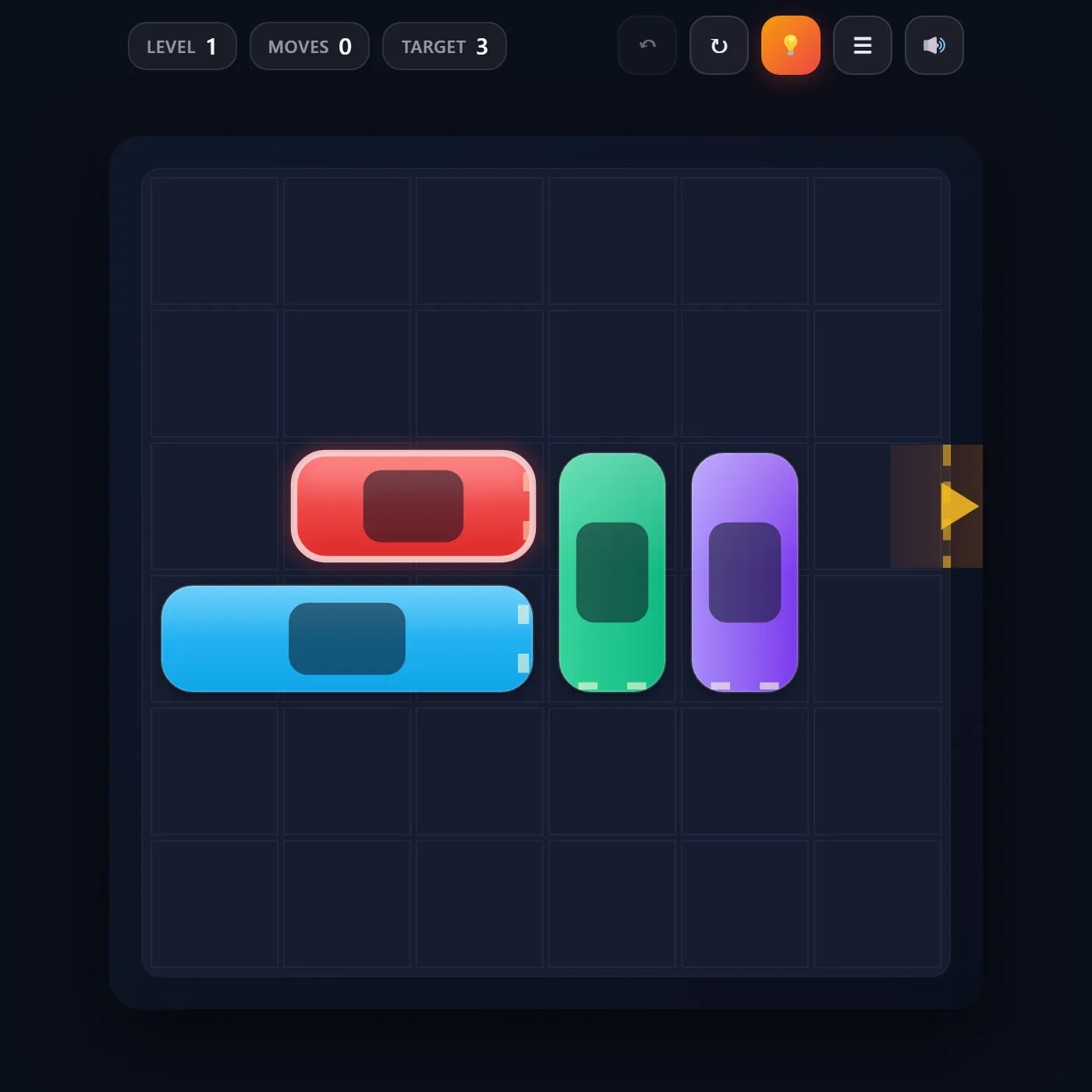
The red car is boxed in and the lot's a mess. Slide the other cars and trucks out of the way, clear a lane to the exit, and drive the red car free in as few moves as you can.
About Traffic Escape
Traffic Escape is the sliding-block parking-lot puzzle that turns a simple traffic jam into a real test of planning. You get a six-by-six lot crammed with cars and trucks, plus a single red car stuck on the exit row with a gap on the right just begging to be reached. Here's the catch: every vehicle only moves along its own length, so a horizontal car slides left and right while a vertical truck can edge only up and down. Nothing overlaps, nothing leaves the grid, and one wrong shuffle can wall the red car in for good. The fun's in reading the gridlock backward. Which truck has to roll up before that car can slide across? Which car has to clear out before the truck can even move? All twenty-two levels were checked by a built-in solver, so every jam has a real solution. The move counter tracks how tight your run is against the par for each level, and a hint will show you the next optimal slide whenever you're truly wedged. Undo cleans up a bad move, reset starts the layout fresh, and a little burst of confetti rewards every clean escape.
Inside Traffic Escape: what we checked
The numbers below come from Traffic Escape's own source code, and the screenshots are from our own test run of the game (20 October 2026).
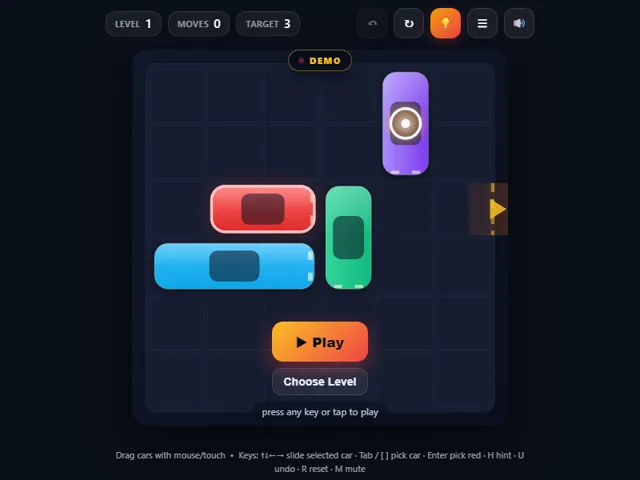
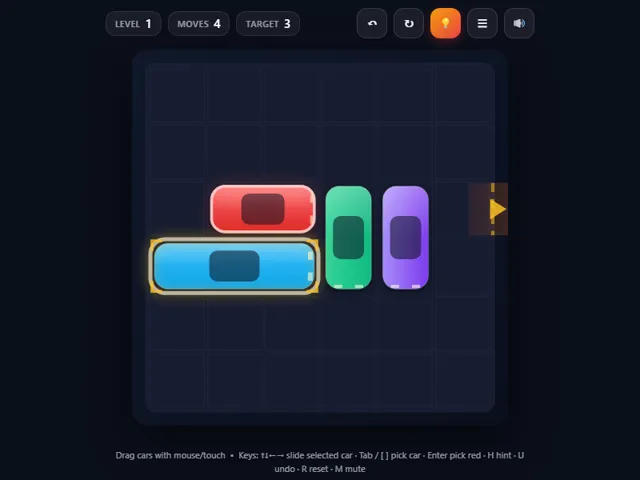
- There are 22 levels on a 6 × 6 board. The target for each one is the fewest moves a solver found, and it climbs from 3 on level 1 to 21 on the last level.
- Dragging a car any number of squares counts as one move, however far you slide it. Pressing an arrow key moves the selected car one square, and that counts as a move each time.
- Stars depend on the target: finish within it for 3 stars, within one and a half times it (rounded up) for 2, and anything slower earns 1.
- The Hint button runs the solver from the position you are in right now, so it always points at the first move of a shortest way out, even after you have made mistakes.
- The red car always sits in the third row and must leave through the gap on the right edge. Undo (Z or U) goes back up to 500 moves, and R resets the level.
- Levels unlock one after another as you solve them. Your fewest moves for each level and your unlocked level are saved in this browser.
Unblocked Chromebook No Download Mobile For Kids Brain Games
How to play Traffic Escape
Drag any vehicle along the direction it points: horizontal cars and trucks slide sideways, vertical ones slide up and down. Pieces stop dead against walls and other vehicles, then snap to the grid when you let go, and each reposition counts as one move. Clear the cars blocking the red car's row, then slide the red car right and straight out through the gap on the edge to win. Beat the move target for three stars, tap Hint if you get stuck, and Undo or Reset whenever a plan goes wrong.
Controls
Drag a vehicle with the mouse or your finger to slide it. Z or U undoes, R resets the level, H shows a hint, the menu button opens level select, and M mutes. Best moves per level and your furthest unlocked level save automatically.
Tips & tricks
- Work backward from the red car: figure out exactly which piece is the last blocker, then clear a path for it.
- A vehicle in your way often cannot move until you move something behind it first, so plan two steps deep.
- Long trucks are the real troublemakers; park them where they will not need to move again before you commit.
- Chase the move target, not just the win; a three-star clear usually means you avoided shuffling the same car twice.
Frequently asked questions
Does Traffic Escape save my progress?
Yes — Traffic Escape saves your progress and settings in this browser's local storage, so you can pick up where you left off on the same device. Nothing is uploaded and no account is involved — clearing your browser data is what resets it.
Is Traffic Escape unblocked at school or work?
Traffic Escape is a plain web page of about 54 KB — no plugin, no installer, no app store — so it loads on a Chromebook or a locked-down school or office laptop the same way any other page does, and the whole game arrives in one short download. Whether it opens comes down to your network's filter rather than the game itself.
Who made Traffic Escape?
Traffic Escape was built in-house by the 360 PlayZone team using open web technology (HTML5), which is why it runs instantly without any download.