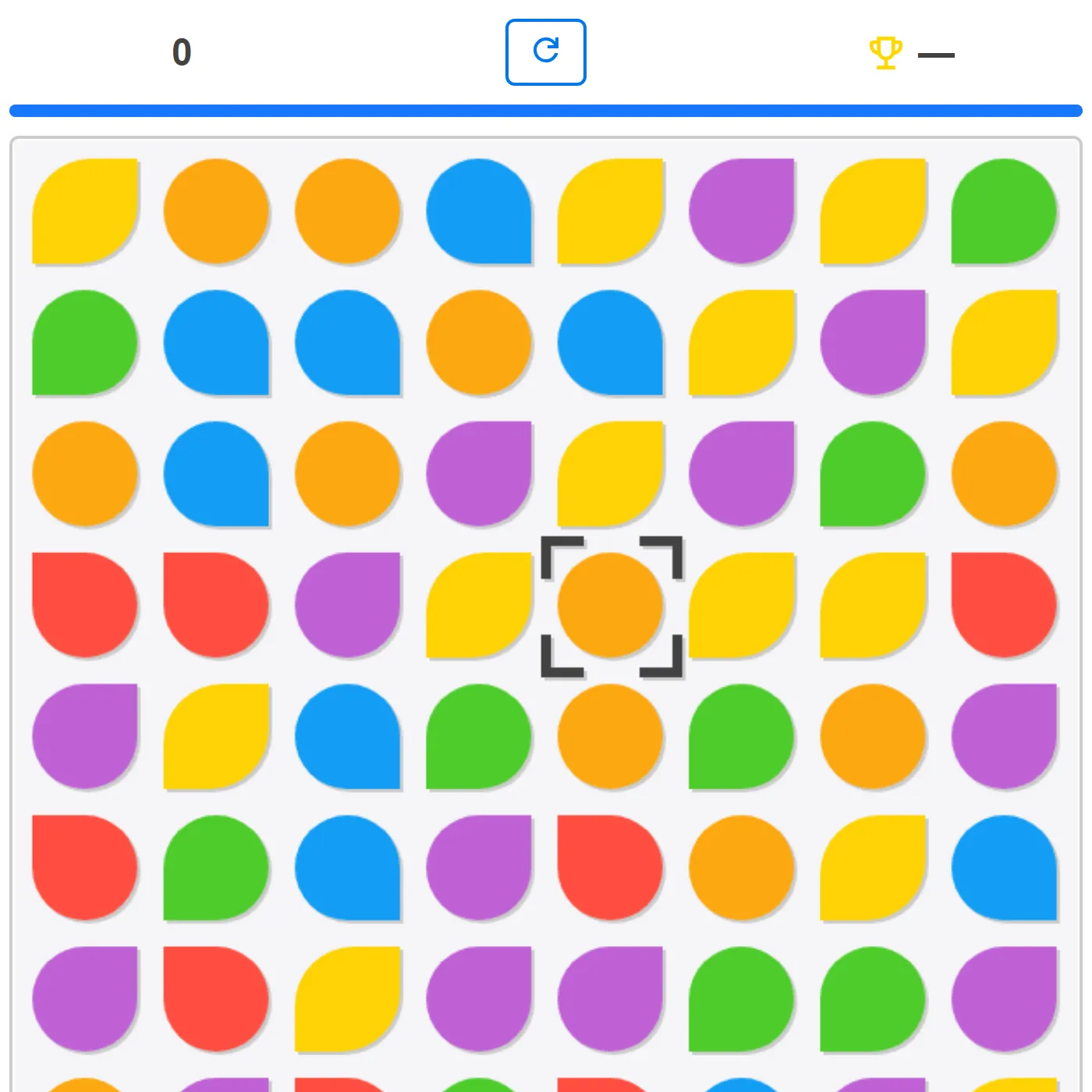
A classic swap-to-match-3 gem puzzler on an 8x8 board. Slide two neighboring gems to line up three or more of a color, watch them burst and cascade, and chase a high score before the two-minute timer runs out.
About Gem Swap
Gem Swap is the kind of bright, satisfying match-3 you pick up in seconds and keep poking at for ages. Swap any two side-by-side gems to make a line of three or more, then watch the column collapse and refill as your score ticks up and the timer top-up keeps your run alive. Bigger lines pay out far more, so patience beats frantic tapping here. Stuck in a corner? Four earned boosters let you nuke a whole color, blow up a 3x3 patch, or drop a wildcard joker tile, and a "find move" hint is always one tap away if the board looks dead. There's even an AI-bot mode you can flip on to watch it play itself. Crisp gems, cascades that feel great, and every board freshly shuffled. Open-source game by Alexander Bazhanov (based on the Rembound HTML5 Match-3 tutorial), used under the MIT license.
Unblocked Chromebook No Download Mobile For Kids Classic
How to play Gem Swap
Hunt for two neighboring gems that, once swapped, would make a horizontal or vertical line of three or more of the same color. Tap the first gem to select it, then tap the one next to it to swap them (or just drag one onto its neighbor). A valid swap clears the matched gems, drops the ones above into the gaps, and refills the top with new gems, often kicking off chain cascades for bonus points. Longer lines score much more. Points add time to the two-minute clock, so big matches literally keep you in the game. Once you've earned them, use the booster buttons to wipe a color, clear an area, or drop a joker that matches anything. The run ends when the timer hits zero or no moves are left.
Controls
Tap or click a gem to select it, then tap or click an adjacent gem to swap them; you can also press and drag one gem onto its neighbor. Tap the selected gem again to deselect. Use the magnifier button to highlight a valid move, the trophy shows your best score, and the circular arrow starts a New Game. Fully playable one-handed on touch and with a mouse on desktop.
Tips & tricks
- Scan for swaps that finish a line of four or five, not just three - longer matches score far more and refill your timer faster.
- Trigger matches near the bottom of the board so the gems dropping in have a chance to chain into extra cascades.
- Save your boosters for genuinely stuck boards; a single 'blow color' can reset a jammed corner and open up fresh moves.
- Tap the magnifier hint when you cannot spot a move - the badge also tells you how many valid swaps are currently on the board.
Frequently asked questions
Is Gem Swap unblocked at school or work?
Gem Swap is a plain web page of about 44303 KB — no plugin, no installer, no app store — so it loads on a Chromebook or a locked-down school or office laptop the same way any other page does, and the whole game arrives in one short download. Whether it opens comes down to your network's filter rather than the game itself.
Who made Gem Swap?
Gem Swap is a free browser edition of a well-known classic, rebuilt with modern web technology so it runs anywhere.