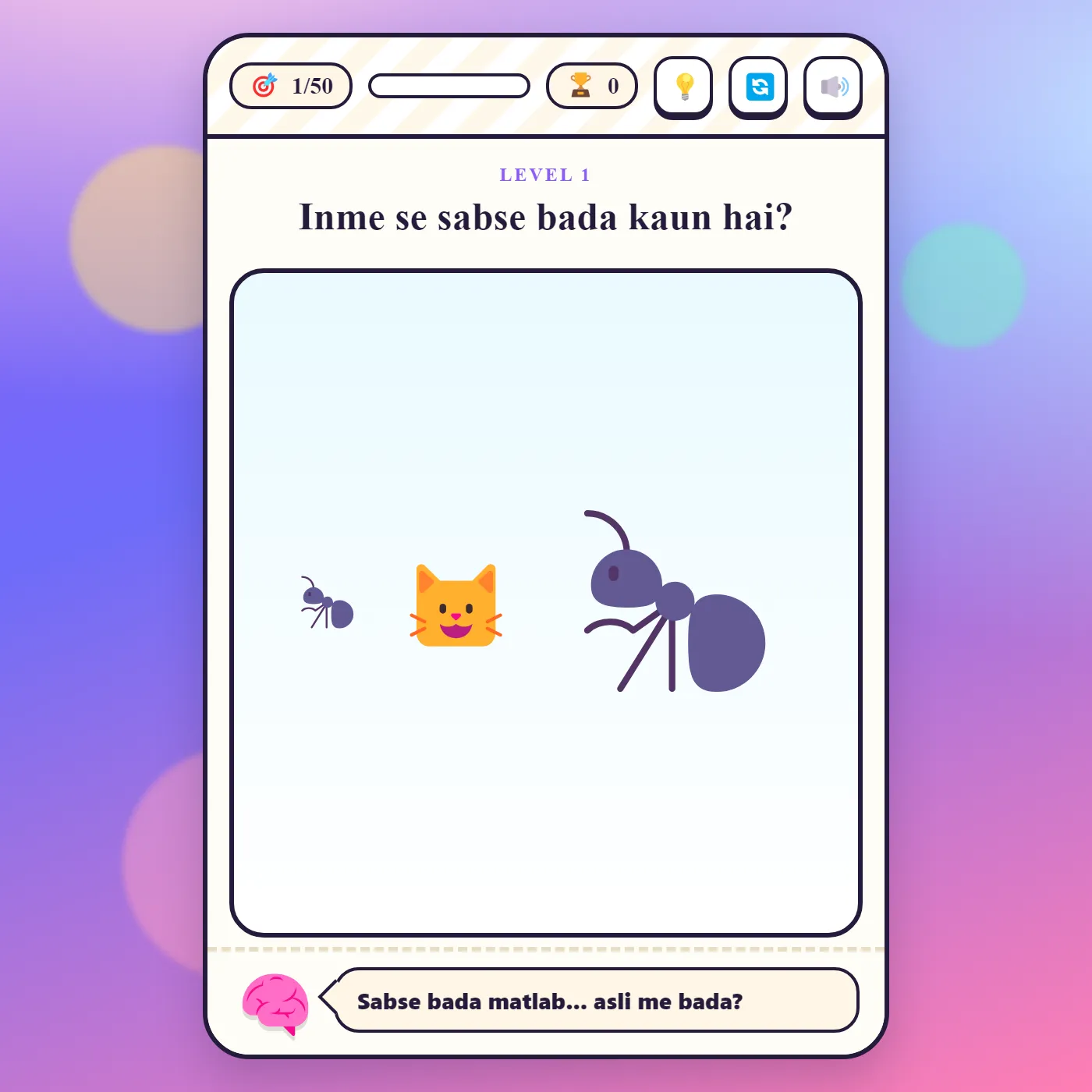
Fifty tricky brain-teaser levels where the obvious answer is almost always wrong. Tap, drag, tilt and outsmart each puzzle to find the real trick.
About Dimaag Test
Dimaag Test is a collection of fifty short, sneaky brain teasers that delight in fooling you. Every level asks a simple-sounding question. Which is biggest? Which is the odd one out? Turn on the light, wake the owl. But the straight answer is almost never the right one. The biggest thing is the tiny ant drawn huge on screen. The light turns on by pulling a hidden string, not by tapping the bulb. As for the owl, it only wakes when you drag the sun away and let night fall. Solving each one means poking at everything: tap it, drag it, hold it, mix two things together, or read the question itself a second time, because the trick is sometimes hiding in the words. A friendly little brain mascot cheers you on and throws shade when you fall for the bait, and a hint is always a tap away when a level truly stumps you. The puzzles mix logic, visual illusions, quick reactions and lateral thinking, and clearing the lot earns you a Dimaag Champion finish. Playful, a little evil, and very hard to put down.
Unblocked Chromebook No Download Mobile For Kids Brain Games
How to play Dimaag Test
Read each level's question, but don't trust the obvious answer, because these puzzles are built to trick you. Interact with everything on screen: tap objects, drag one thing onto another, press and hold, mix colors, or even tap a word inside the question itself. The friendly brain mascot reacts to right and wrong tries, and if you're stuck you can tap the hint button for a nudge. Solve a level to score points and move to the next. Clear all fifty to become a Dimaag Champion.
Controls
Tap, click, drag or hold objects on the screen to solve each puzzle. Use the hint button when stuck, the reset button to retry a level, and the sound button to mute. Your score and progress are tracked as you go.
Tips & tricks
- The obvious answer is almost always the trap, so pause and look for the trick first.
- Try dragging and holding things, not just tapping; many levels hide the solution in a gesture.
- Read the question itself carefully; sometimes the answer is hidden right inside the words.
- On color levels, watch the actual color of the button, not the word written on it.
Frequently asked questions
How do you solve Dimaag Test puzzles?
Don't trust the obvious answer. Tap, drag, hold or combine objects, and read the question again, because the trick is sometimes hidden in its words.
What if I get stuck on a level?
Tap the hint button for a nudge, or use reset to try the level again.
Does Dimaag Test save my progress?
No. Dimaag Test does not save anything between visits — every session starts fresh, and nothing is stored on your device or uploaded anywhere.
Is Dimaag Test unblocked at school or work?
Dimaag Test is a plain web page of about 75 KB — no plugin, no installer, no app store — so it loads on a Chromebook or a locked-down school or office laptop the same way any other page does, and the whole game arrives in one short download. Whether it opens comes down to your network's filter rather than the game itself.