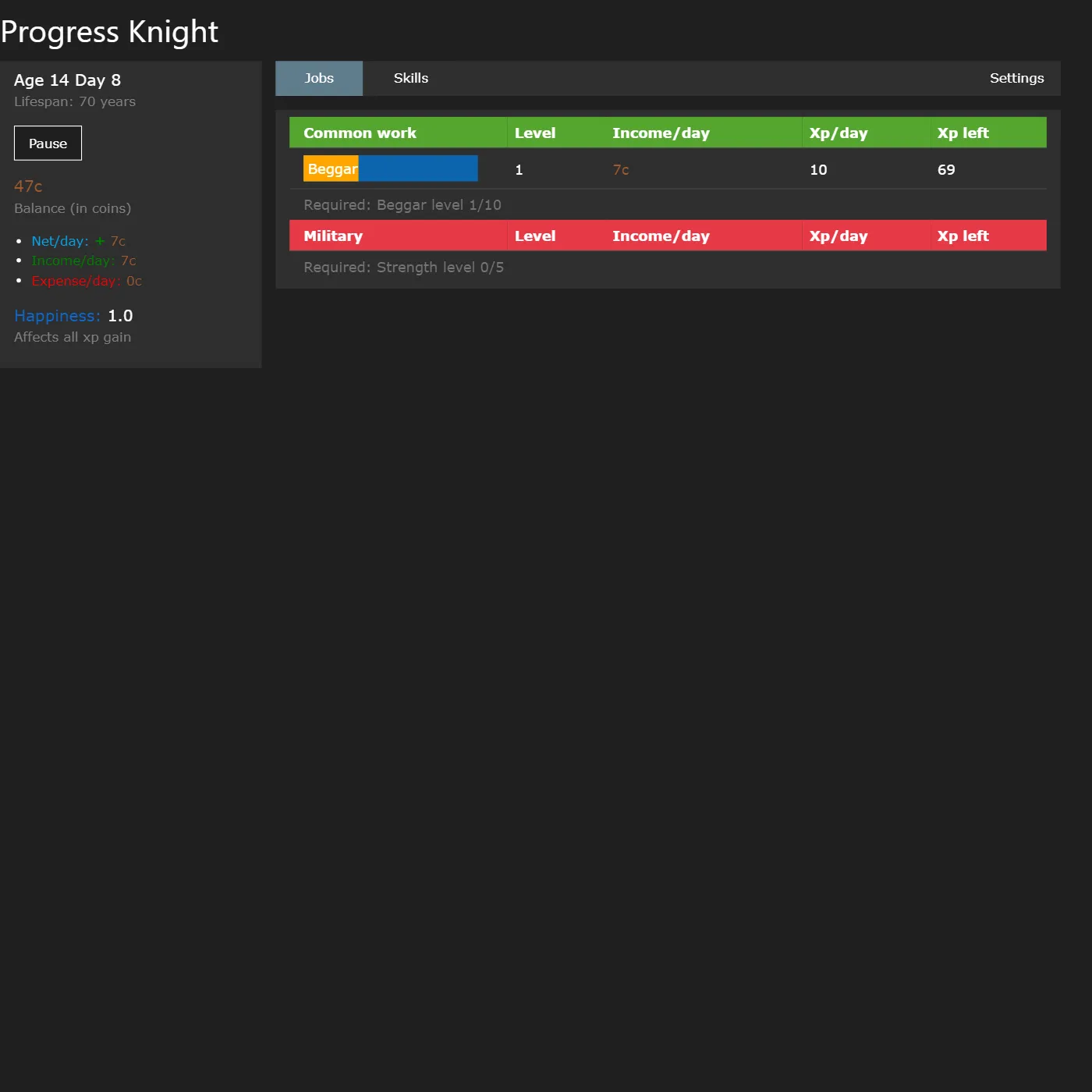
Climb from penniless beggar to legendary being in this medieval life-sim idle game, leveling jobs and skills while the days tick by on their own. And when old age finally catches you, a strange amulet lets you come back faster and stronger.
About Progress Knight
Progress Knight is a cozy incremental built on one quietly addictive idea: pick a job, pick a skill, and watch your medieval alter-ego get a little better every single day, even while you sip your tea. You kick off as a 14-year-old beggar earning copper coins. Each level nudges open the next rung, though, from common labour up to the military or the arcane arts. Coins buy items and a bigger house to boost your XP, happiness multiplies everything, and time warping lets you fast-forward the grind. Rebirth is the real twist. When your lifespan runs out, a copper amulet pays back everything you achieved as permanent XP multipliers, so your next life rockets past the one before it. It's a clean, numbers-go-up loop with a real sense of progress and zero pressure. Open-source game by ihtasham42, released into the public domain under the Unlicense.
Unblocked Chromebook No Download Mobile For Kids Classic
How to play Progress Knight
Click a job to make it your active work and start earning coins and job XP each day; click a skill instead to train it (skills permanently boost income and unlock better jobs). Days pass on their own, so progress just keeps flowing. Over in the Shop, spend coins on properties and items that raise XP gain and happiness. Level up and harder jobs and skills open up. Once your age nears your lifespan, open the Amulet tab and rebirth to reset for powerful permanent multipliers and a much faster run next time around.
Controls
Mouse or touch only. Tap a job or skill row to make it active. Tap the tab buttons (Jobs, Skills, Shop, Amulet, Settings) to switch panels. Use the Pause button to stop time, the auto-promote / auto-learn checkboxes to automate progression, and Enable Warp to speed the game up. Rebirth from the Amulet tab. Progress saves automatically to your browser.
Tips & tricks
- Always keep both a job and a skill active. Skills give permanent multipliers, so training them early pays off for every life that follows.
- Watch your Net/day. If expenses from items outpace income you will bleed coins, so only keep boosts you can actually afford.
- Happiness multiplies all XP gain. Buying a better house and happiness items early speeds up everything else.
- Do not fear rebirth. Resetting via the amulet looks like you are losing everything, but the XP multipliers make your next run dramatically faster.
Frequently asked questions
Is Progress Knight unblocked at school or work?
Progress Knight is a plain web page of about 44303 KB — no plugin, no installer, no app store — so it loads on a Chromebook or a locked-down school or office laptop the same way any other page does, and the whole game arrives in one short download. Whether it opens comes down to your network's filter rather than the game itself.
Who made Progress Knight?
Progress Knight is a free browser edition of a well-known classic, rebuilt with modern web technology so it runs anywhere.
Embed Progress Knight
From our blog
Progress Knight features in Best Idle and Clicker Games: Free Incremental Games in Your Browser.