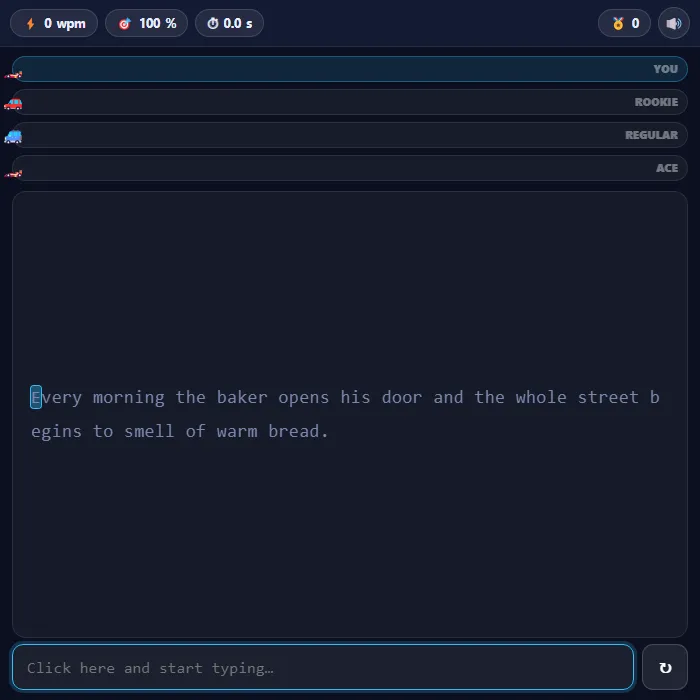
A free typing speed test dressed up as a race: type the passage while three rival cars pace you down the track. Get your real words-per-minute and accuracy at the finish line, on easy, normal or hard text.
About Typing Race
Typing Race measures the same thing a plain typing test does — words per minute and accuracy — but it puts three cars on a track next to yours, and that turns out to make an enormous difference to how hard you try.
The rivals aren't reacting to you. Rookie drives at a steady 28 wpm, Regular at 45, and Ace at 68, so each one is really a benchmark wearing a car costume. Watching Regular's bumper creep past yours while you're three words behind is a much clearer signal than a number at the end, and it arrives while you can still do something about it. The passages are proper sentences rather than random word lists, because typing real English is what a wpm figure is actually supposed to measure — hard mode adds the punctuation, capitals, digits and brackets that break most people's rhythm.
Every character is scored live: green when it's right, red when it isn't, with a cursor marking exactly where you are. Your accuracy counts every keystroke you made, not just the ones still on screen, so backspacing out of a mistake doesn't hide it. Personal best is saved.
Inside Typing Race: what we checked
The numbers below come from Typing Race's own source code, and the screenshots are from our own test run of the game (20 October 2026).
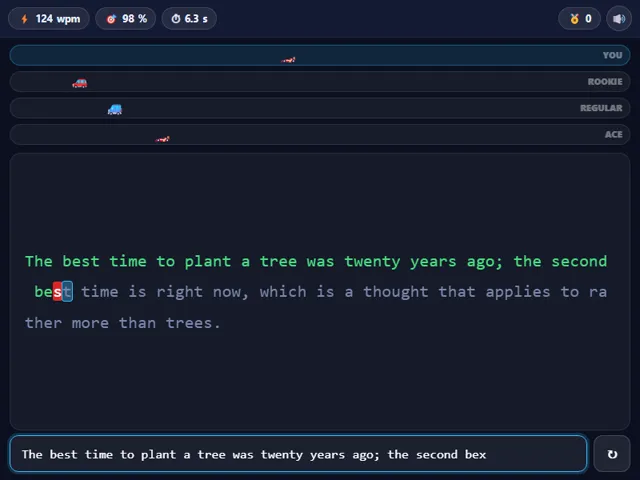
- The three rivals drive at fixed speeds of 28 (Rookie), 45 (Regular) and 68 (Ace) words per minute. They start when you press your first key and never speed up or slow down, so beating Ace takes more than 68 wpm.
- The race does not end when a rival finishes. Your place is one plus the number of rivals that had already crossed the line when you did.
- Typing a wrong letter turns it red and counts as a mistake, and you cannot finish until the text matches exactly, so mistakes must be corrected with Backspace.
- Words per minute counts only correct characters, five to a word. Accuracy counts every wrong keystroke you ever made, so correcting it later does not win it back.
- There are four passages for each of Easy, Normal and Hard. Easy is plain short sentences, Normal is longer prose with a semicolon, and Hard adds digits, percentages, brackets and even a line of code.
- Your best words per minute and your chosen difficulty are kept in this browser. Enter starts the next race after one ends.
Unblocked Chromebook No Download Mobile For Kids Quick Games
How to play Typing Race
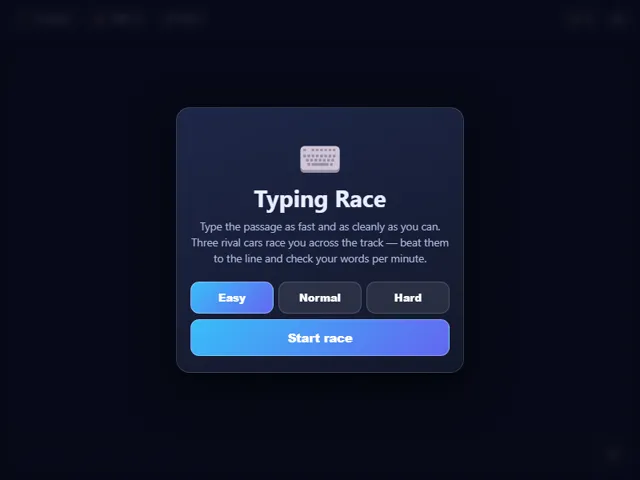
Pick easy, normal or hard, then start typing the passage shown. The timer begins on your first keystroke. Correct letters turn green and mistakes turn red, and your car moves along its lane as you progress. Finish the whole passage to see your words per minute, accuracy and finishing position against the three rival cars.
Controls
Just type — the input box takes focus automatically. Backspace to correct, Enter to start a fresh race when you've finished, and the ↻ button for a new passage. M mutes when the text box isn't focused.
Tips & tricks
- Accuracy beats speed on the scoreboard, because wpm only counts characters you got right — hammering the keys and backspacing constantly nets you fewer words than typing steadily.
- Don't watch your hands or the cars. Read one or two words ahead of where you are typing and your fingers will keep up on their own.
- Hard mode's punctuation is where most runs fall apart. Slow down deliberately for brackets, quotes and digits rather than trying to keep the same rhythm through them.
- If you fall behind Ace early, ignore it. The rivals move at a constant pace, so a clean steady finish beats a panicked sprint that fills the line with red.
Frequently asked questions
Does Typing Race save my progress?
Yes — Typing Race keeps your best score and settings in this browser's local storage, so they are still there when you come back on the same device. Nothing is uploaded and no account is involved — clearing your browser data is what resets it.
Is Typing Race unblocked at school or work?
Typing Race is a plain web page of about 16 KB — no plugin, no installer, no app store — so it loads on a Chromebook or a locked-down school or office laptop the same way any other page does, and the whole game arrives in one short download. Whether it opens comes down to your network's filter rather than the game itself.
Who made Typing Race?
Typing Race was built in-house by the 360 PlayZone team using open web technology (HTML5), which is why it runs instantly without any download.
Embed Typing Race
From our blog
Typing Race features in Typing Games Online: Typing Race, Type Invaders and How to Actually Get Faster.