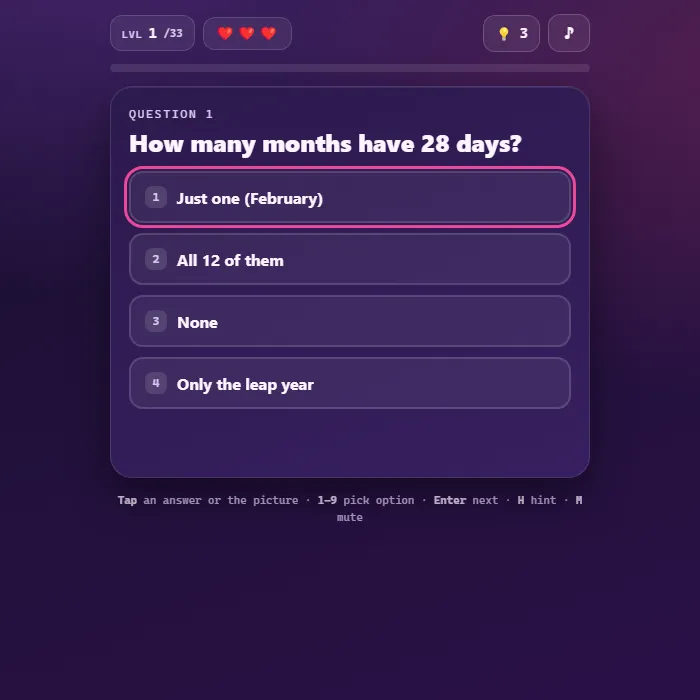
A tricky lateral-thinking quiz packed with 32 original brain-bending riddles. Tap answers, find the odd one out, spot the biggest, count things, and outsmart sneaky wordplay. Lives, hints, and a progress bar keep the pressure on. Family-friendly and fully self-contained.
About Brain Quiz
Brain Quiz is a witty lateral-thinking challenge in the spirit of classic "trick test" games, built entirely from scratch. Every one of its 32 questions is original and designed to make you think sideways: the obvious answer is almost always the wrong one. Some questions are tap-an-answer multiple choice, others ask you to interact directly with a little drawn or emoji scene, tap the biggest animal, find the hidden digit, spot the cup that is not full, or count the stars. Wrong guesses cost a life but earn a cheeky nudge in the right direction, and you can spend one of your hints whenever you are truly stuck. All art is drawn with Canvas and SVG, all sound is synthesized, and your furthest level is saved locally so you can come back and finish the gauntlet.
Inside Brain Quiz: what we checked
The numbers below come from Brain Quiz's own source code, and the screenshots are from our own test run of the game (20 October 2026).
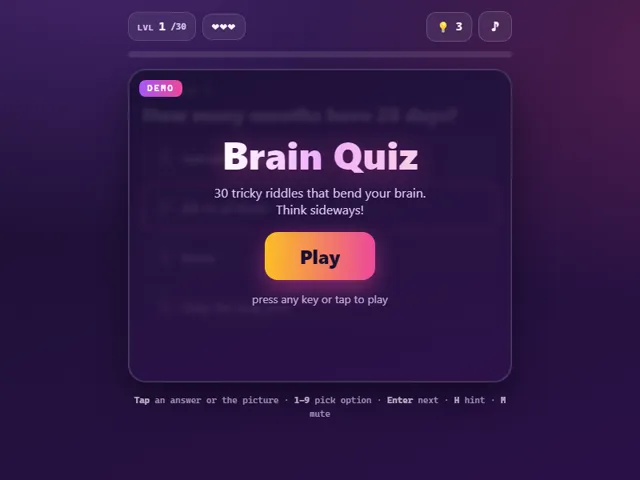
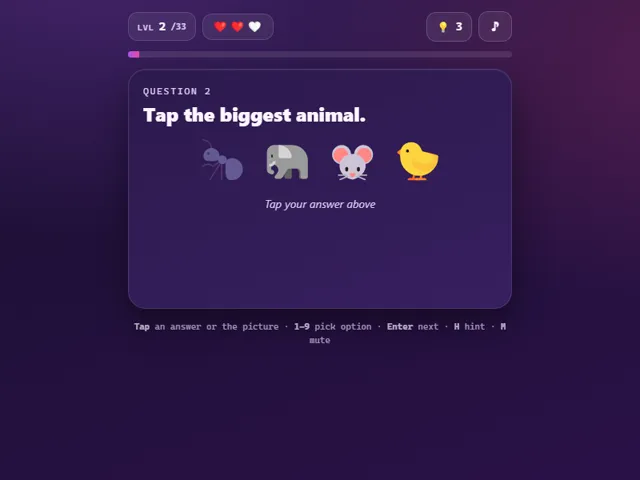
- There are 30 riddles, played in a fixed order, and some are answered by tapping a picture instead of choosing a text option.
- You get 3 lives for the whole run, not per question. A wrong answer costs one heart and still lets you move on to the next riddle; losing the third ends the run.
- You also get 3 hints in total, not per riddle. Each one shows a clue for the current question, and the hint button is disabled once they are gone.
- Keys: the number keys 1 to 9 pick an option, the arrow keys or WASD move the highlight, Enter or Space goes to the next riddle, H is a hint and M mutes.
- After a game over, Try again restarts from riddle 1 with full lives and hints. Clearing all 30 shows a Genius message.
- Your furthest level reached is saved in this browser and shown on the start card.
Unblocked Chromebook No Download Mobile For Kids Brain Games
How to play Brain Quiz
Read each riddle carefully, then answer it. For multiple-choice questions, tap one of the option buttons (or press its number key). For interactive questions, tap the right object in the picture, the biggest, the odd one out, the hidden shape, and so on. A correct answer triggers confetti and unlocks the Next button; a wrong answer costs one of your three lives and shows a hint about what you missed. Stuck? Tap the lightbulb to spend a hint and reveal a clue. Clear all 32 questions without running out of lives to win. Run out of lives and you can try again from the top. Your furthest level is remembered between sessions.
Controls
Mouse/touch: tap an answer option or tap an object in the picture; tap Next to advance; tap the lightbulb for a hint; tap the note icon to mute. Keyboard: number keys 1-9 pick an option (or a tap target), Up/Down/Left/Right or WASD move the on-screen selection, Enter selects the highlighted option and also advances to the next question, H uses a hint, M toggles mute. Any key or tap on the start screen begins a fresh game.
Tips & tricks
- The first answer that pops into your head is usually the trap, read every word literally before you commit.
- Pay attention to wording like 'all but', 'survivors', or 'becomes shorter', the trick is often hidden in a single phrase.
- For tap questions, think about real life, not what is on screen: a tiny elephant emoji is still the biggest animal.
- Save your three hints for the riddles that genuinely stump you rather than burning them early.
Frequently asked questions
How many questions are in Brain Quiz?
32 original lateral-thinking questions. Some are multiple choice, others ask you to tap the right object in a small picture, such as the biggest animal or the cup that is not full.
What happens if I get an answer wrong?
You lose one of your three lives and get a hint about what you missed. You can also tap the lightbulb to spend a hint when you are stuck. Lose all three lives and you start again from the first question.
Does Brain Quiz save my progress?
Yes — Brain Quiz keeps your best score and settings in this browser's local storage, so they are still there when you come back on the same device. Nothing is uploaded and no account is involved — clearing your browser data is what resets it.
Is Brain Quiz unblocked at school or work?
Brain Quiz is a plain web page of about 41 KB — no plugin, no installer, no app store — so it loads on a Chromebook or a locked-down school or office laptop the same way any other page does, and the whole game arrives in one short download. Whether it opens comes down to your network's filter rather than the game itself.
Embed Brain Quiz
From our blog
Brain Quiz features in Play Sudoku Online: Rules, Solving Techniques and How to Stop Guessing and Minesweeper Online: Rules, Number Patterns and How to Stop Losing to Luck.