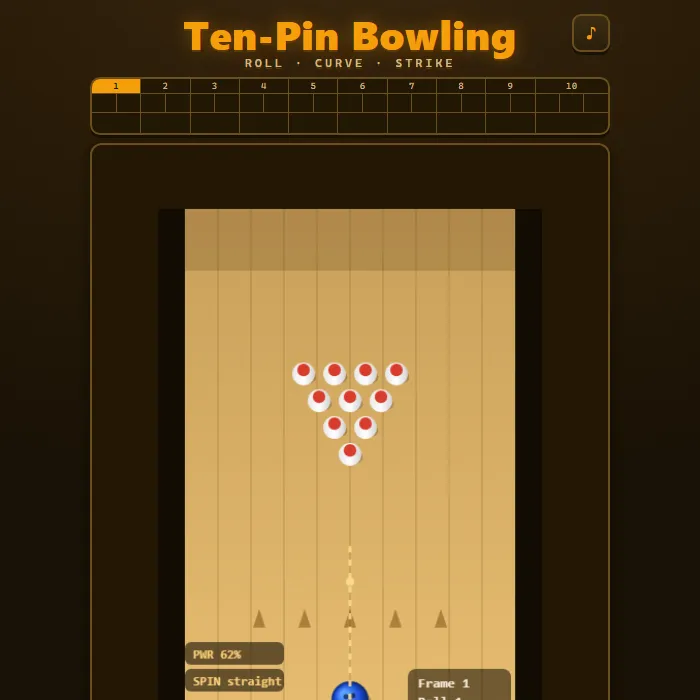
Ten-pin bowling with a slingshot aim, curve, and power. Knock down all ten pins across 10 frames with full strike, spare, and bonus-ball scoring on a classic frame-by-frame board.
About Bowling
Bowling is a hand-built, ten-pin bowling alley that runs entirely in your browser. A full rack of ten pins waits at the end of a wood-grain lane, and a glossy ball sits on the foul line ready to roll. Every roll is driven by a tiny 2D physics engine: the ball travels up the lane, strikes pins, and those pins scatter and topple their neighbours through ball-to-pin and pin-to-pin collisions, so no two rolls play out quite the same. You control three things on every shot — where you aim, how much curve (spin) you put on the ball, and how much power you send it with — using either a satisfying slingshot drag or the keyboard. The game keeps a proper league-style scoreboard with the real rules of ten-pin: open frames, spares marked with a slash, strikes marked with an X plus their bonus rolls, and the special three-ball tenth frame, all tallied into a live running total. Your best game is saved locally so you always have a number to beat. The lane, pins, ball, aiming guide, and every animation are drawn with the Canvas API, and all sounds are synthesized on the fly — there are no downloads, accounts, or network calls of any kind.
Inside Bowling: what we checked
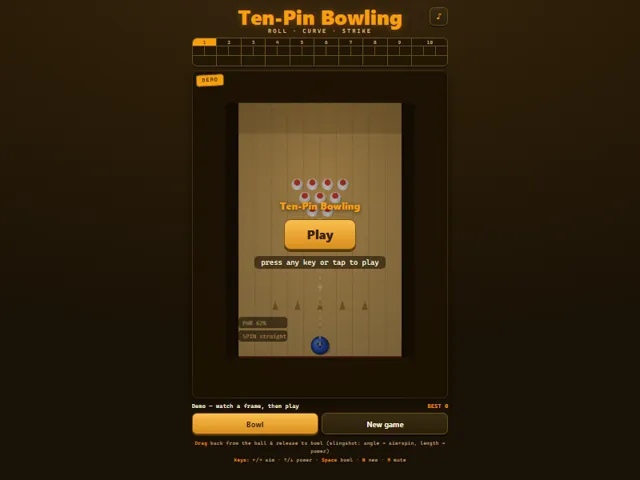
The numbers below come from Bowling's own source code, and the screenshots are from our own test run of the game (20 October 2026).
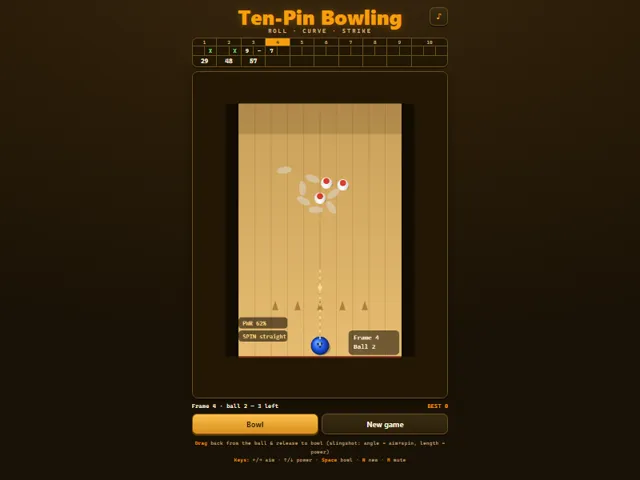
- Scoring is the real ten-pin system: a strike is 10 plus your next two balls, a spare is 10 plus your next ball, and the scoreboard fills in a frame's total only once those bonus balls have been rolled.
- In the tenth frame a strike or a spare earns a third ball. After a strike or a spare the pins are reset for that extra ball, and a strike followed by a non-strike leaves the rest standing for the last roll.
- To bowl, drag back from the ball like a slingshot and release: the pull length sets the power (between 12% and 100%) and the direction sets the angle, up to about 24 degrees either side of straight.
- Angling the ball also curves it. A shot aimed to one side picks up sideways spin in the same direction as it rolls, so it keeps drifting that way instead of coming back. A ball that leaves the lane slides into the gutter and loses its spin.
- A pin counts as down the moment the ball touches it, and fallen pins keep sliding and can knock others over.
- Keyboard: left and right aim, up and down change power in 5% steps, Space or Enter bowls, N starts a new game. Your best finished score is saved in this browser.
Unblocked Chromebook No Download Mobile For Kids Quick Games
How to play Bowling
Each game is 10 frames and you get up to two rolls per frame to knock down all ten pins (the tenth frame can give you a third roll). To bowl, drag backward from the ball like a slingshot and release: the direction sets your aim and curve, and how far you pull sets the power. Prefer the keyboard? Use Left/Right to aim and add spin, Up/Down to set power, and Space to bowl. A dotted trajectory line previews the ball's curved path before you let go. Clear all ten pins on your first roll for a strike (X); clear what's left on the second roll for a spare (/). The scoreboard up top fills in roll-by-roll and shows your running total with all strike and spare bonuses applied automatically. Finish the tenth frame to see your final score and try to top your saved best.
Controls
Mouse/touch: drag back from the ball and release to bowl — angle sets aim and curve, drag length sets power. Buttons: Bowl, New game, and the mute toggle. Keyboard: Left/Right arrows to aim (and add spin), Up/Down arrows to adjust power, Space or Enter to bowl, N for a new game, M to mute. Any key or tap dismisses the start demo and begins a fresh real game.
Tips & tricks
- Aim for the pocket — just off-center between the head pin and the pin behind it — rather than straight at the head pin; it scatters the rack far better for strikes.
- Add a little curve (spin) so the ball enters the pocket at an angle; a hooking ball carries more pins than a dead-straight one.
- You don't always need maximum power. Too much speed can drive the ball through gaps; a controlled medium roll lets pins knock each other down.
- On spare attempts, line your aim up directly with the leftover pins and ease off the spin so the ball goes where you point it.
Frequently asked questions
Does Bowling save my progress?
Yes — Bowling keeps your best score and settings in this browser's local storage, so they are still there when you come back on the same device. Nothing is uploaded and no account is involved — clearing your browser data is what resets it.
Is Bowling unblocked at school or work?
Bowling is a plain web page of about 41 KB — no plugin, no installer, no app store — so it loads on a Chromebook or a locked-down school or office laptop the same way any other page does, and the whole game arrives in one short download. Whether it opens comes down to your network's filter rather than the game itself.
Who made Bowling?
Bowling was built in-house by the 360 PlayZone team using open web technology (HTML5), which is why it runs instantly without any download.