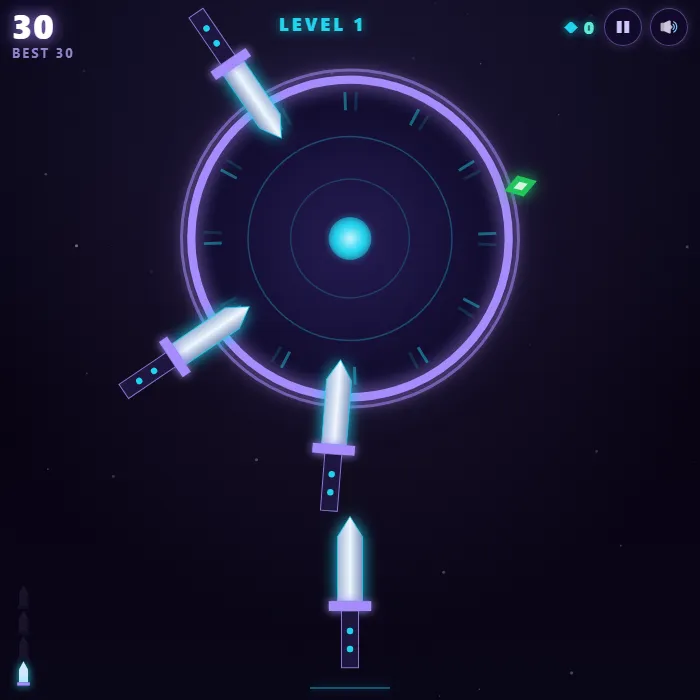
Hurl blades into a spinning neon disc without clipping the ones already buried in it. Stutter-stops, sudden reversals and nasty boss discs are all out to rattle you.
About Blade Spin
Blade Spin is a one-tap timing game that quietly gets under your skin. A glowing disc spins up above. Your blade waits below. Tap, and it flies, thunk, sinking into the rim and spinning along with every blade you've already landed. The disc itself is the puzzle. It speeds up, slows down, stalls out and reverses, and the patterns shift level to level. Meanwhile the gaps between your own blades keep shrinking with every throw. Clip one and it's over with a clang. Neon gems dot the rim for bonus points, and every 5th level throws a spiked boss disc at you with movement that feels genuinely evil. This is arcade pressure at its purest: one input, total focus.
Inside Blade Spin: what we checked
The numbers below come from Blade Spin's own source code, and the screenshots are from our own test run of the game (20 October 2026).
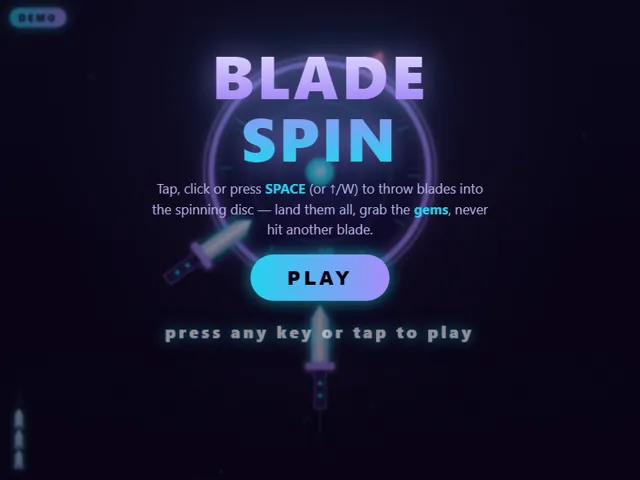
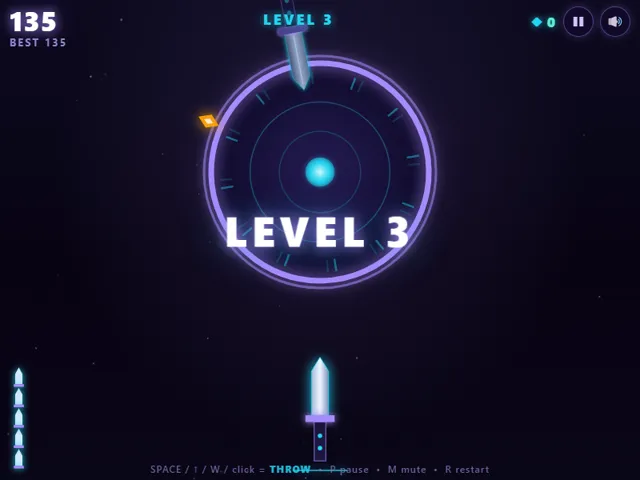
- There are no lives. One blade touching another ends the run, and a blade counts as touching if it lands within about 0.2 radians of one already in the disc.
- The number of blades to land grows with the level: 4 on levels 1 and 2, 5 on level 3, and one more every two levels, capped at 9. Boss levels are every fifth level and need 6 plus one per five levels, capped at 11.
- From level 3 the disc starts with blades already stuck in it, one for every three levels, up to 4. You have to land yours in the gaps.
- Each blade you land scores 10 and each gem you hit scores 25. Clearing a level adds 20 plus 5 per level, and a boss level adds another 150 plus 10 per level.
- Levels 1 and 2 spin at a steady speed, level 3 speeds up and slows down, and level 4 reverses. After that the pattern is picked at random from steady, ramping, reversing and stuttering. The disc also spins faster as levels rise.
- Your best score, the furthest level and the total number of gems you have collected are kept in this browser.
Unblocked Chromebook No Download Mobile Quick Games
How to play Blade Spin
Tap to throw a blade into the spinning disc. Land the required number of blades to clear the level, but if a blade hits another blade, the run is over. Read the disc's rhythm, because it ramps, stutters and reverses, and the boss discs on every 5th level move erratically. Tag the gems on the rim for bonus points.
Controls
Tap, click or press Space to throw. P pauses, M mutes.
Tips & tricks
- Learn the pattern for one full rotation before your first throw.
- On stutter discs, throw the instant it restarts — never during the stall.
- Gems are tempting, but a cleared level is worth more than a risky gem.
- On boss discs, take your time: there's no timer, only your nerves.
Frequently asked questions
Does Blade Spin save my progress?
Yes — Blade Spin keeps your best score and settings in this browser's local storage, so they are still there when you come back on the same device. Nothing is uploaded and no account is involved — clearing your browser data is what resets it.
Is Blade Spin unblocked at school or work?
Blade Spin is a plain web page of about 41 KB — no plugin, no installer, no app store — so it loads on a Chromebook or a locked-down school or office laptop the same way any other page does, and the whole game arrives in one short download. Whether it opens comes down to your network's filter rather than the game itself.
Who made Blade Spin?
Blade Spin was built in-house by the 360 PlayZone team using open web technology (HTML5), which is why it runs instantly without any download.